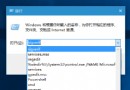
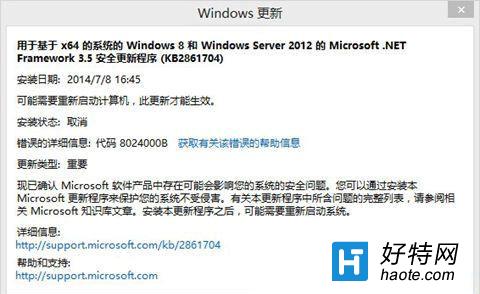
Windows Update 錯誤 0x8024000B 表示更新代理程式無法讀取安裝清單檔案。Win10/Win7/Win8.1 通用修復命令:
Cmd /c ren %systemroot%\System32\Spupdsvc.exe Spupdsvc.old
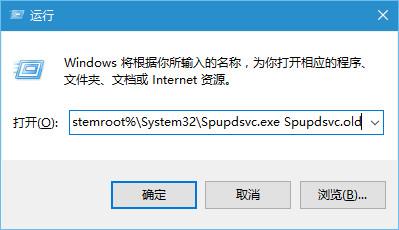
微軟官方說明: 此命令重命名舊版更新服務啟動器,強制 Windows Update 重新產生正確元件。若無效,請嘗試 sfc /scannow、DISM /Online /Cleanup-Image /RestoreHealth、重設更新服務 (net stop/start wuauserv/cryptSvc/bits/msiserver + 重命名 SoftwareDistribution/catroot2)。