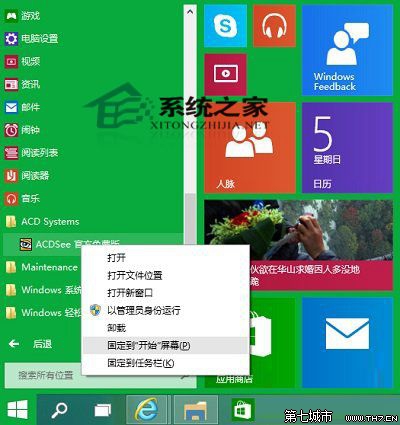
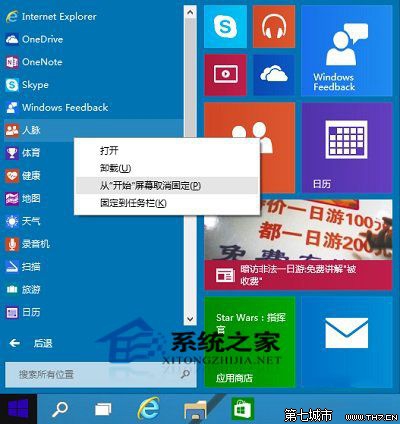
釘選後可調整磚塊大小 (小/中/寬/大),應用程式支援動態內容顯示 (如郵件預覽、天氣資訊),實用性高。
Win10 桌面圖示不見了?一鍵找回「此電腦」、「回收筒」等系統圖示
Win10 快速開啟控制台的 6 種方法:搜尋、執行、右鍵開始、總管、導覽窗格、釘選
Windows 10 如何在桌面建立寬帶撥號連線捷徑?五步驟圖文教學
Win10 取消開機密碼圖文教程:netplwiz 命令、取消勾選「用戶必須輸入密碼」、設置自動登入
Win10 開啟隱藏的登入介面測試鉤子(Threshold 鍵值)
Win10 與 Win7 印表機共享設定:啟用檔案與印表機共享、加入家庭群組
Windows 10 正式版發布時間線:技術預覽版搶先體驗與正式上市預測
Win10 禁止應用程式背景執行:節省資源延長續航力