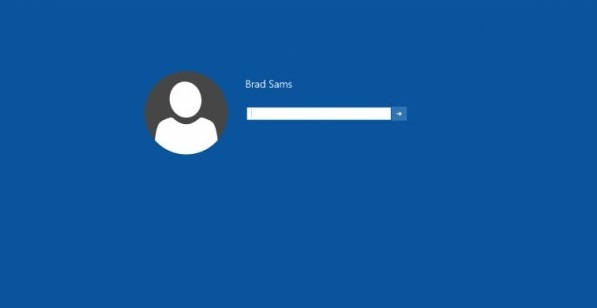
Win10 註冊表中存在隱藏鍵值 Threshold,啟用後可顯示實驗性登入介面(供開發者測試),一般使用者不建議開啟。
Threshold
regedit
HKEY_LOCAL_MACHINE\SOFTWARE\Microsoft\Windows\CurrentVersion\Authentication\LogonUI\TestHooks
Win10 新特性總盤點:開始選單回歸、視窗化 Modern 應用、四分螢、任務檢視、虛擬桌面、動作中心、Cortana、全新設定應用
Win10 開始選單跳出「嚴重錯誤」?設定 User Manager 服務為自動修復
Win10 區域網路共享資料夾設定:右鍵共用 > 特定用戶 > 權限控制完整教學
Windows 10 9926 通知區域圖示(音量、網路、輸入法)消失?通知區域圖示設定找回
Win10 PC RS2 (RedStone 2) 預覽版 14926 已知問題與暫時解決方案彙總
Win10 未啟用也能新增桌面圖示:搜尋直達桌面圖示設定
Win10 藍屏記錄詳細資訊:註冊表啟用 DisplayParameters 讓藍屏顯示傳統診斷參數
Win10 關機時強制更新太久?本機群組原則關閉「安裝更新並關機」提示