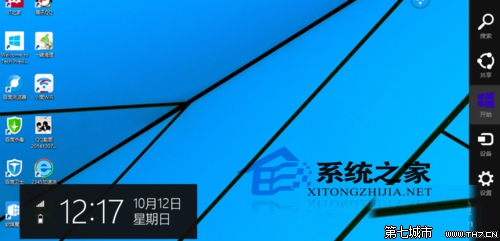
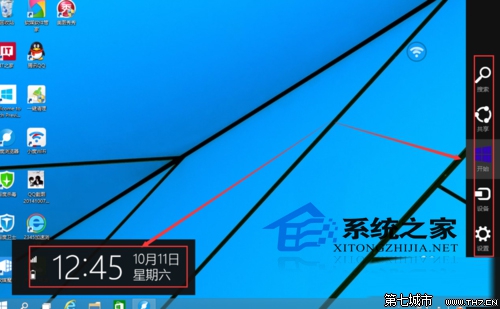
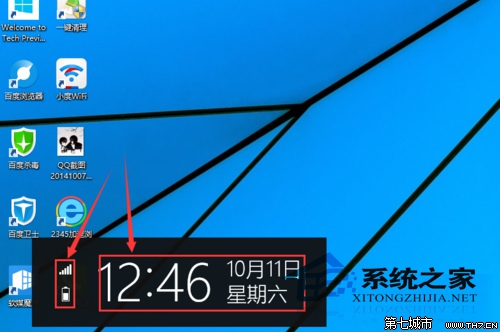
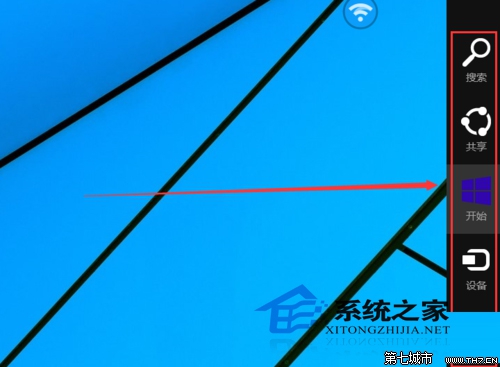
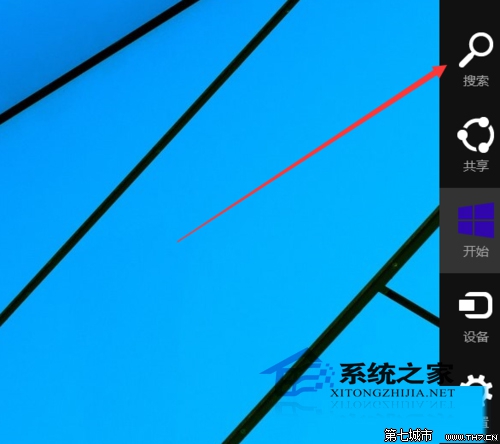
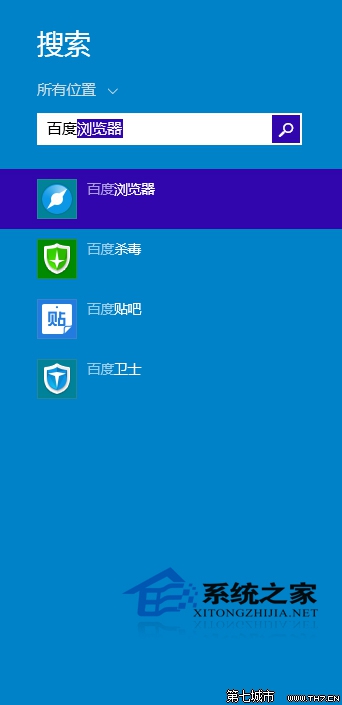
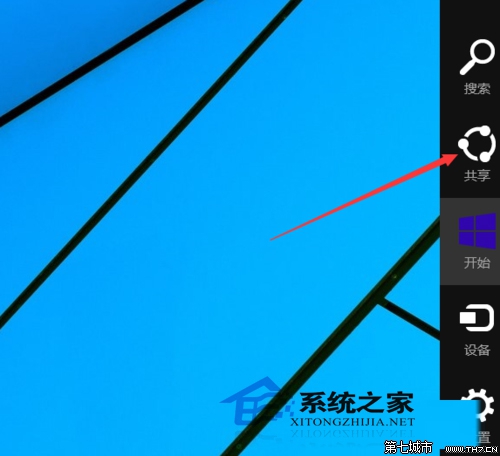
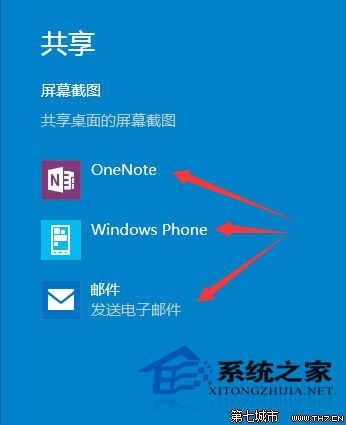
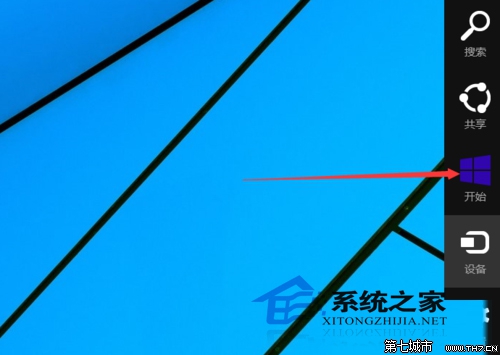
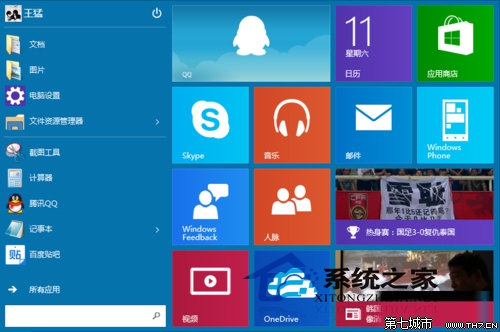
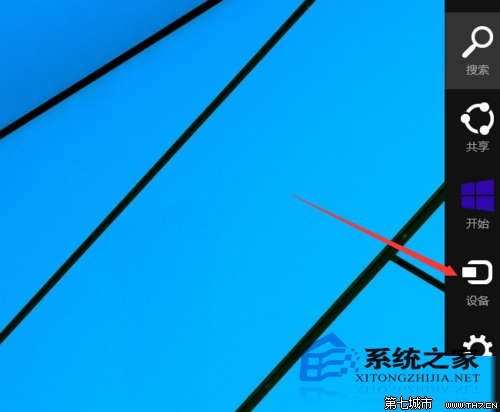
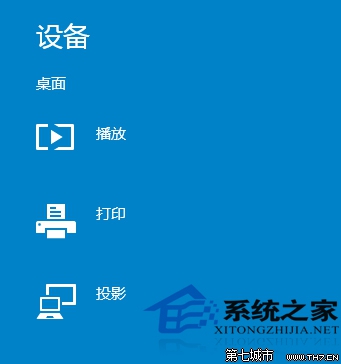
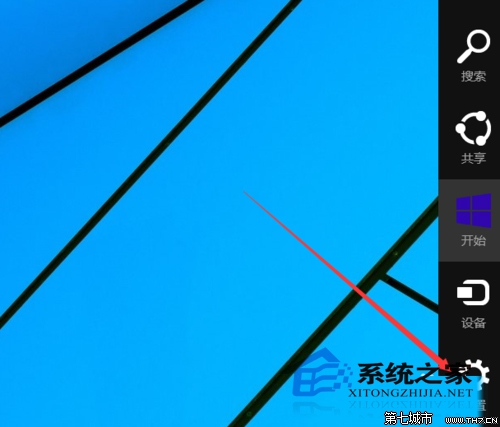
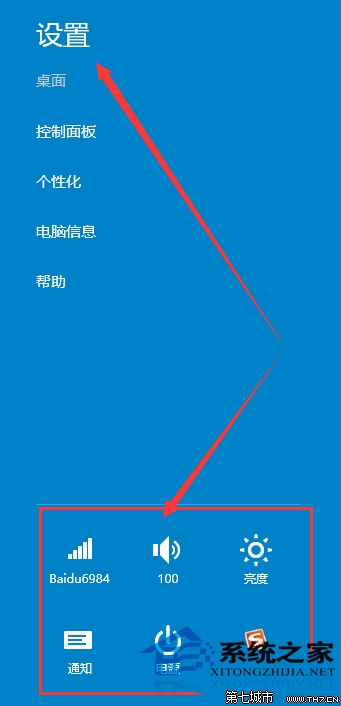
Win10 Charms 選單喚出鍵 Win+C,五大功能與介面詳細展示:
系統、應用、裝置互動中樞,按 Win+C 隨時喚出。
Win 10/8.1 開始功能表/工作列圖示錯誤 TrayItem.{} 解決方案
Win10 任務列建立自訂工具列,常用資料夾一鍵直達提升效率
Win10 更新出現錯誤 0x8024402f?重置更新元件與註冊 DLL 徹底解決
Win10 OneDrive 同步失敗?重置 OneDrive 一鍵修復,附常見排查清單
Windows 10 螢幕亮度調節完整教程:四步輕鬆保護視力
Win10 照片檔案設定備註管理:右鍵屬性→詳細資料→備註欄位輸入→檢視→詳細資料→選擇欄位勾選備註顯示
Win10 開啟 Excel 跳出「向程式傳送命令時出現問題」?關閉 DDE 選項秒解決
Win10 內建「Outlook 行事曆」顯示中國農曆/天干地支/各國假期:設定備用行事曆完整教學