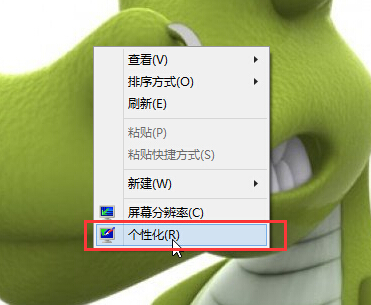
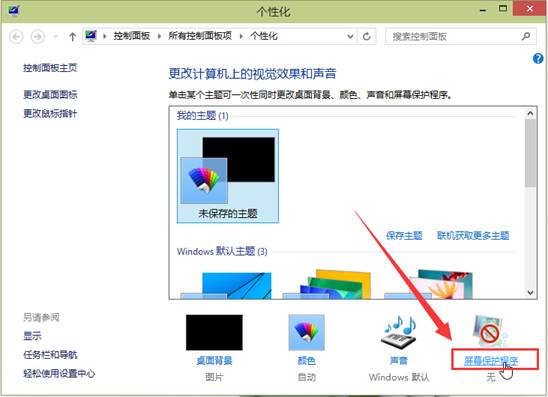
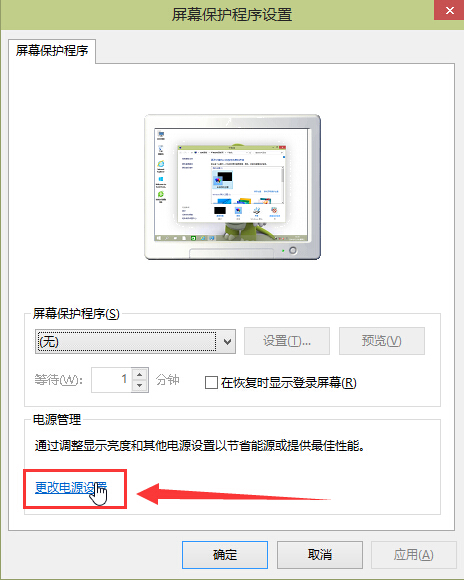
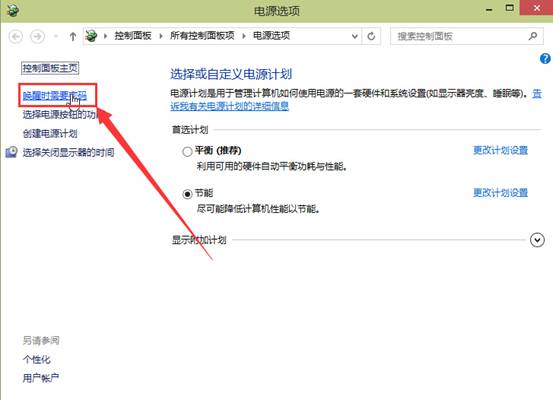
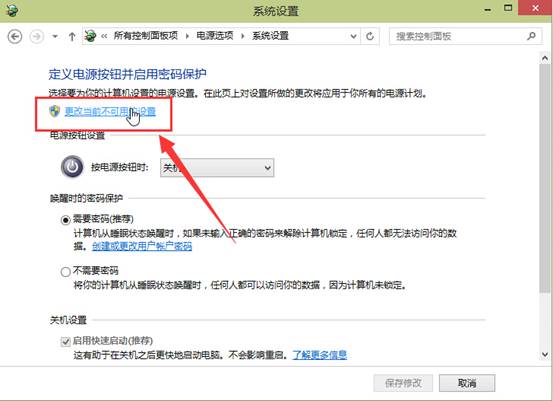
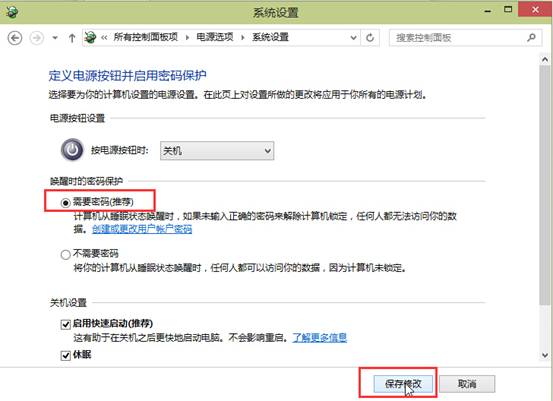
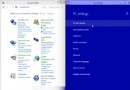
Win10 設定睡眠/待機喚醒需輸入密碼,保護隱私安全:
設定後睡眠喚醒需輸入密碼,防止他人未經授權存取。
如何分辨小馬啟動工具激活 Win10 與正版授權:正版免費升級一年、盜版升級仍未授權、小馬工具特點分析
Win 10 命令提示字元 (CMD) 全螢幕模式啟用 (Alt+Enter)
Win10 Edge 瀏覽器與 EdgeHTML 引擎有何區別?版本號獨立更新勿混淆
Win10 開始選單與 Cortana 無法運作解決方法:啟用 User Manager 服務圖文教學
Windows 10 雙系統安裝圖文教學:分區法最簡單
Win10 技術預覽版安裝最簡單圖解:原地升級法 vs 多系統分區法,騰訊升級助手輔助下載
Win10 FIFA Online 無法執行?同樣停用驅動程式強制簽名解決
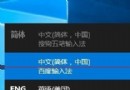
Win10 輸入法無法切換?重新設定熱鍵與語言列選項