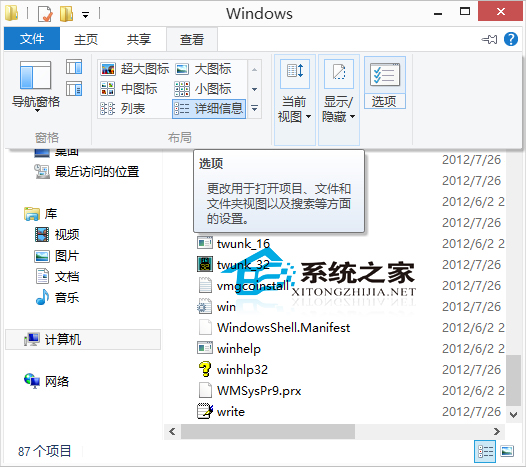
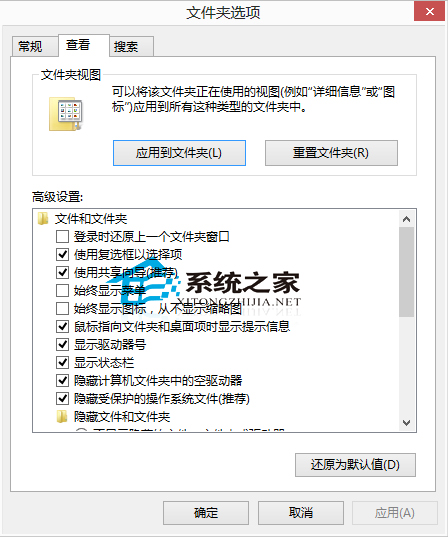
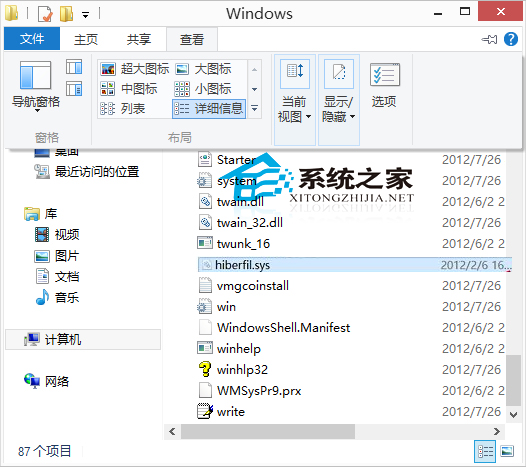
想知道休眠檔 hiberfil.sys 在哪?預設隱藏在 C 槽根目錄:
hiberfil.sys
C 槽空間不足時可定期刪除(關閉休眠功能即可自動刪除),Win 8.1 用戶可參考同樣做法。
Win10 設定應用程式存取麥克風權限完整教學
Microsoft Edge 瀏覽器過度依賴 IE 相容性列表?關閉它讓 Edge 獨立渲染更多網站
Win10 沒聲音?內建「疑難排解」一鍵診斷修復大多數軟體性聲音問題
Win10 家庭版「Windows 聚焦」鎖屏壁紙提取與應用全攻略
Win10 開始選單電源選項缺少「休眠」?電源選項啟用休眠顯示
Windows 10 14295 出現重複磁碟機代號?註冊表修復 .reg 檔案一鍵解決
Windows 10 多帳戶快速切換登入教學
Win10 啟用 Ctrl+Alt+Del 安全登入:防止暴力破解、繞過簡單解鎖