Windows 10 更新過程出現錯誤代碼 0x8024402f,通常代表與 Microsoft 更新伺服器連線異常,或本地更新元件、註冊表損壞。透過命令提示字元(系統管理員)執行一系列指令可重置更新服務並重新註冊相關 DLL,有效解決此問題。
net stop CryptSvc
ren %windir%\system32\catroot2 catroot2.old
net start CryptSvc
net stop wuauserv
regsvr32 wuapi.dll /s
regsvr32 wups.dll /s
regsvr32 wuaueng.dll /s
regsvr32 wucltui.dll /s
regsvr32 wuweb.dll /s
regsvr32 msxml.dll /s
regsvr32 msxml2.dll /s
regsvr32 msxml3.dll /s
regsvr32 urlmon.dll /s
net start wuauserv
regsvr32 softpub.dll /s
regsvr32 initpki.dll /s
regsvr32 mssip32.dll /s
regsvr32 wintrust.dll /s
regsvr32 dssenh.dll /s
regsvr32 rsaenh.dll /s
regsvr32 gpkcsp.dll /s
regsvr32 sccbase.dll /s
regsvr32 slbcsp.dll /s
regsvr32 cryptdlg.dll /s
regsvr32 jscript.dll /s
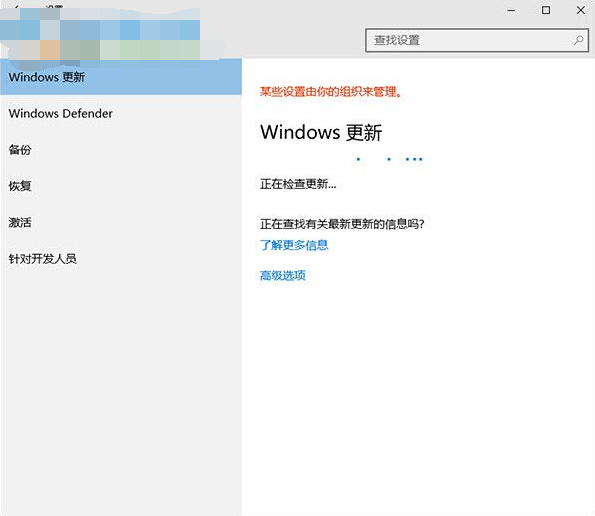
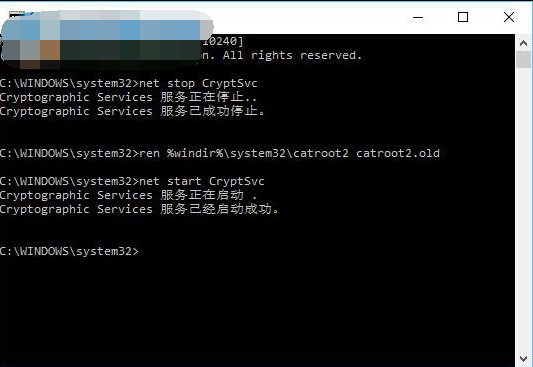
此方案來源於 Microsoft 社群論壇,本質是重置更新服務(CryptSvc、wuauserv)並重新註冊核心 DLL。若為網路暫時性問題,等待一段時間重試亦可自行恢復。建議搭配執行 sfc /scannow 修復系統檔案。