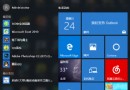
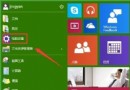
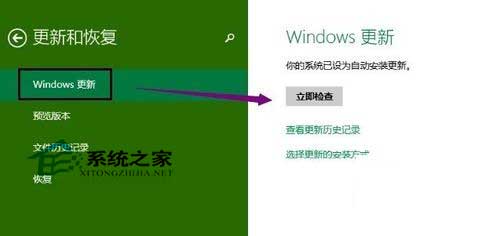
Windows 10 系統更新最便捷管道為內建 Windows Update:
兩者功能相同,介面操作流程略異。建議定期檢查更新保持系統安全。
Win10 新增網路印表機完整教學:憑據管理器儲存密碼 + Local Port 連接 + 驅動安裝
Win10 會有 32 位元版本嗎?微軟確認:會推出,上億台 32 位元裝置需求龐大
Win10 任務列透明效果如何開啟/關閉?個人化設定一鍵切換,省電與美觀任你選
Windows 10 Build 9860 Data Sense 流量監控:查看總用量、各 App 耗費、設定背景限制(功能尚未完整啟用)
Win10 關閉自動播放功能:三種方法全覆蓋 (設置/控制面板/組策略)