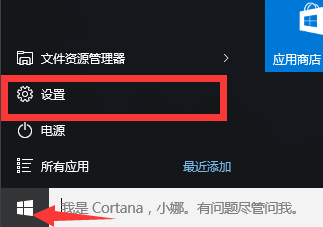
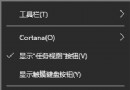
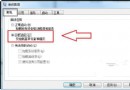
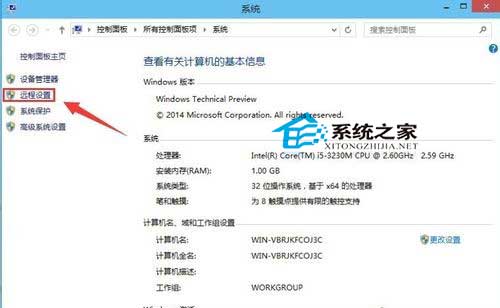
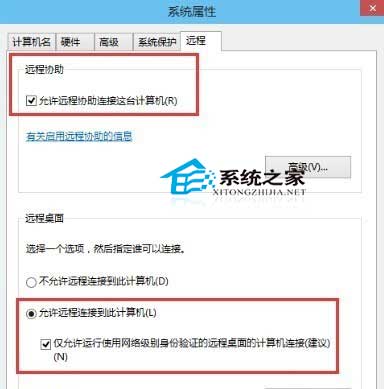
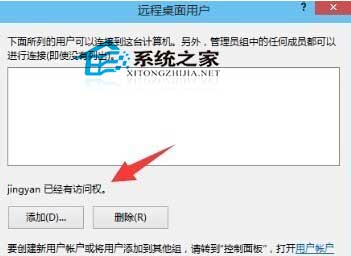
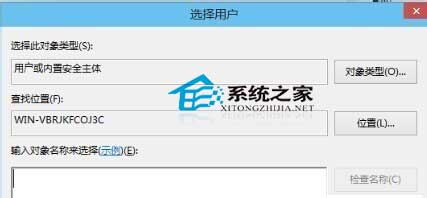
Windows 10 專業版/企業版支援遠端桌面主機功能:
安全警示:開啟遠端桌面 (TCP 3389) 會增加被駭風險,建議:
Win10 還原回 Win7/Win8.1 完整教學:30 天內可無痛回滾
Win10 開始選單自訂:工作列屬性→開始選單→自訂增減程式
Windows 10 修改 Win+E 開啟「這台電腦」而非「主頁」:註冊表教學
Win10 右鍵選單/Win+X 選單「命令提示字元」變成 PowerShell?一鍵切回 CMD
Win10 Build 10565 更新重點:Skype 整合、Edge 標籤預覽、Cortana 手寫辨識、標題列配色
XP/Win7/Win8 一鍵免費升級 Win10 完整教程:360 與騰訊雙管道