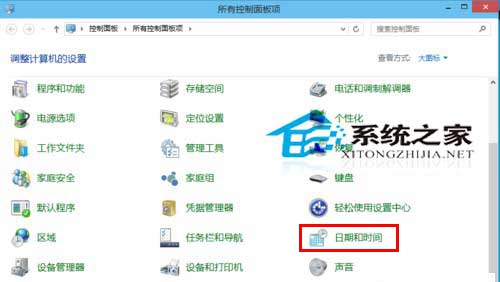
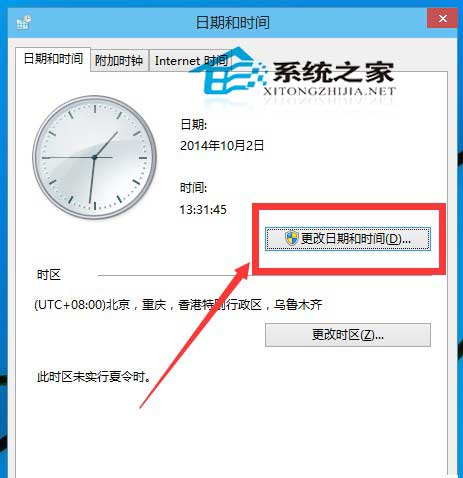
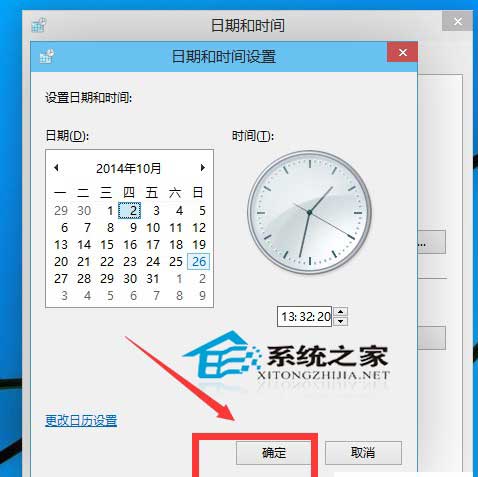
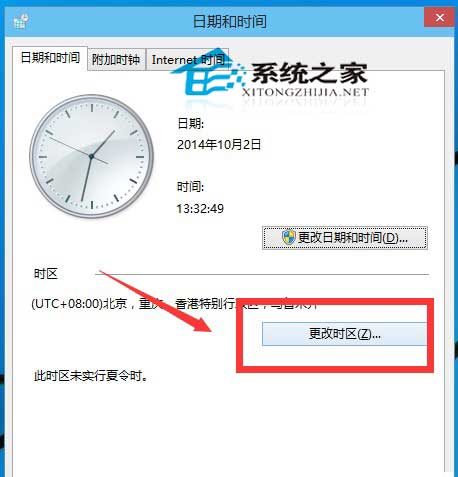
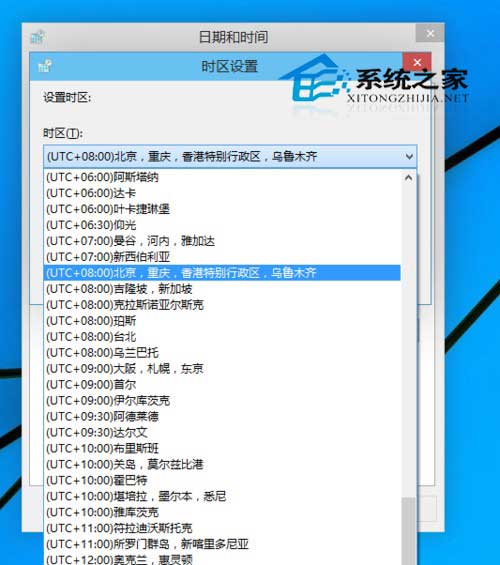
Windows 10 修改系統時間與時區:
建議開啟「自動同步網路時間」 (網際網路時間索引標籤 → 變更設定 → 勾選同步),免去手動校時。
Win10 如何讓 QQ 聊天視窗不合併顯示?工作列設定「永不合併」獨立顯示每個對話視窗
Win10 如何關閉 Microsoft Store 應用程式自動更新?
Win10 修改登入畫面背景圖片:PowerShell 生成 Windows.UI.Logon.pri 替換系統檔案
Windows 10 更換產品金鑰:CMD 一行指令搞定
Win10 Mobile 10536.1004 已知問題與解決方法:通知延遲、zStorage 崩潰、相機上傳失效、語言包無法下載
如何體驗 Windows 10:虛擬機與多重開機完整教學(VirtualBox 實作)
Win10 玩遊戲誤按 Win 鍵跳出畫面?360 遊戲優化器一鍵屏蔽
Windows 10 Edge 瀏覽器下載檔名亂碼解決:群組原則設定 User-Agent 為 MSIE 9.0