許多使用者升級至 Windows 10 正式版後發現 Office 2013 變成未啟用狀態,實際上是授權資料在升級過程中遺失。依據升級前是否有備份,提供兩種解決方案:
sppstore 資料夾(預防性操作)C:\Windows\System32\spp\store 複製整個 store 資料夾到安全位置(如 D 槽或外接硬碟)。store 資料夾覆蓋回 C:\Windows\System32\spp\store。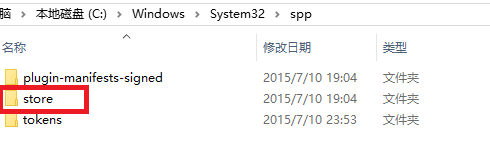
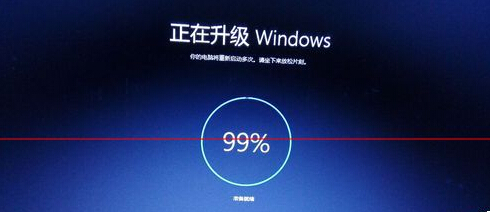
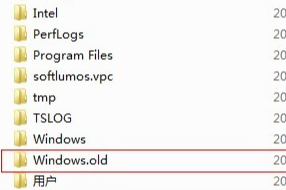
Windows.old 尚未刪除(補救性操作)Windows.old 資料夾(約 10+ GB),內含舊版系統檔案。Windows.old\Windows\System32\spp\store 找到同名 store 資料夾。C:\Windows\System32\spp\store。

Windows.old 已被磁碟清理移除,此法無效,需重新輸入產品金鑰或使用官方啟用工具。完成上述步驟後重新啟動 Office,應即可恢復啟用狀態,無需重裝 Office 套件。