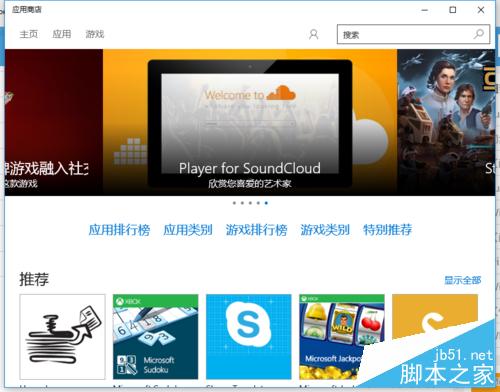
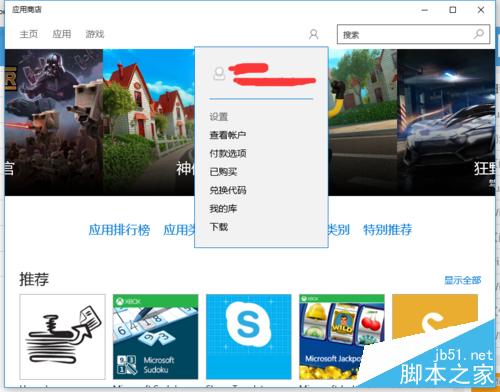
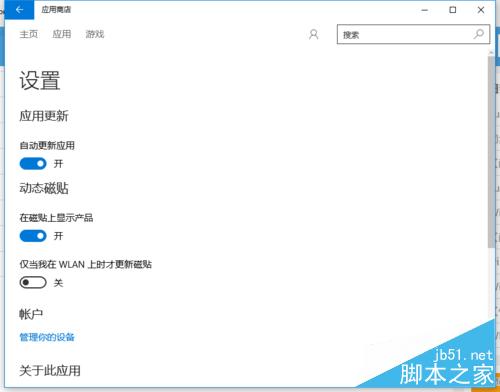
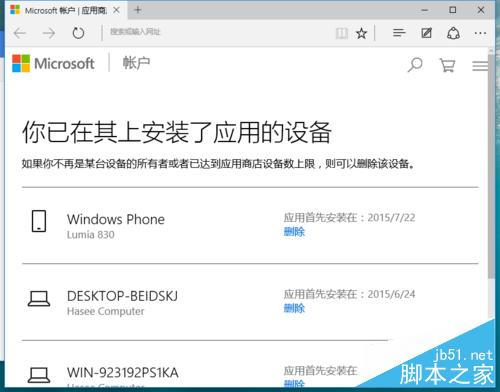
Microsoft Store 規定同一帳號最多在 10 台裝置安裝應用/遊戲。超過上限時,需移除不再使用的裝置才能繼續安裝:
操作簡單,僅需網頁端管理,無需重裝系統。
Win10 進入安全模式:bcdedit 設定傳統 F8 選單 (需啟動媒體)
Win10 為右鍵菜單添加 PowerShell 腳本新建項完整指南
Win10 磁碟佔用 100% 導致系統卡頓?六大核心原因與解決方案:家庭群組、虛擬記憶體、IPv6、Defender、Search、SSD 終極方案
Win 10 藍畫面 0xAB 問題怎麼辦?微軟釋出 KB3019269 修補程式
Win10 設定 OneNote 開啟自動同步:多裝置雲端筆記無縫協作
Windows 10 開啟啟動資料夾位置與管理啟動項目
Win 10 如何分離小娜與搜尋功能?群組原則停用 Cortana 保留純搜尋
Win10 查看應用程式安裝位置四大法:工作管理員、啟動項、桌面捷徑、開始選單