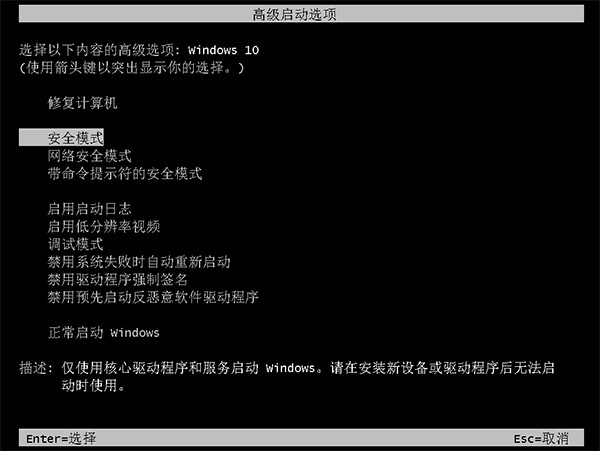
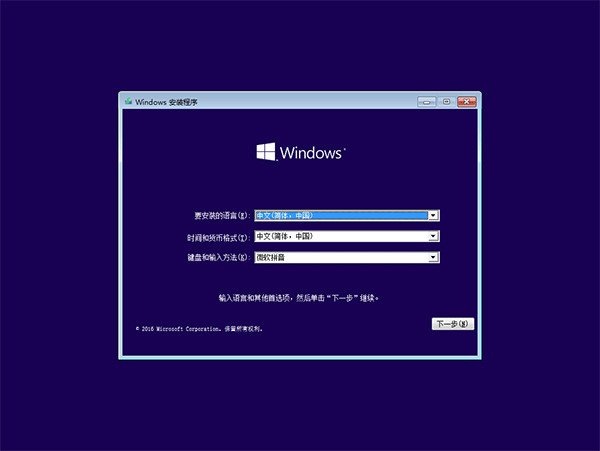
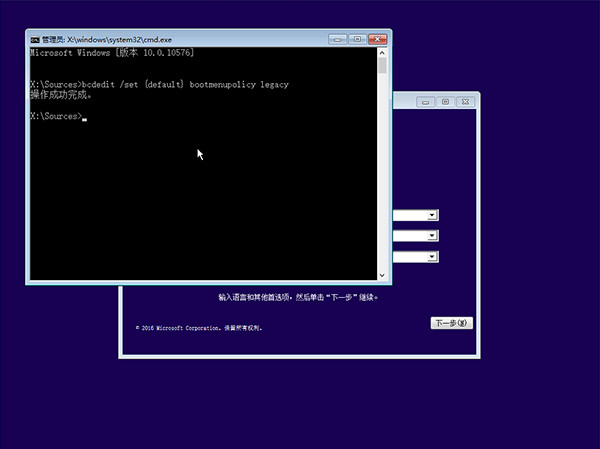
Win10 預設隱藏 F8 選單,透過啟動媒體修改 BCD 策略可恢復傳統按 F8 進入安全模式。
bcdedit /set {default} bootmenupolicy legacy
管理員命令列執行 bcdedit /set {default} bootmenupolicy standard 並重新啟用「快速啟動」。
bcdedit /set {default} bootmenupolicy standard
若未啟用快速啟動,此設定「一勞永逸」,後續皆可直接 F8 進入。
Win10 查看歷史問題報告與解決方案:指令啟動 werconcpl.dll 與控制台「安全性與維護」雙軌查詢
Win10 設定延遲更新避免遊戲中斷教學
如何使用 USB 隨身碟安裝 Windows 10 完整圖文教學
Win7 列印無反應?啟動 Print Spooler 服務並設為自動即解
Win10 禁止自動安裝推廣遊戲/應用 (Candy Crush 等)?登錄建立 DisableWindowsConsumerFeatures 徹底封鎖
Windows 10 Build 9879 藍屏 0xAB 修補程式 KB3019269 釋出
Win10 如何查看版本號、組建號?三種最快方法:dxdiag、winver、設定頁面
Windows 10 調整檔案總管預覽窗格大小:隱藏分隔線一招搞定