Win10 專業版/企業版內建 Hyper-V,啟用步驟:
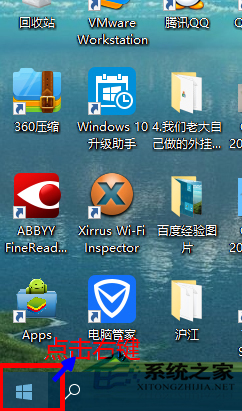
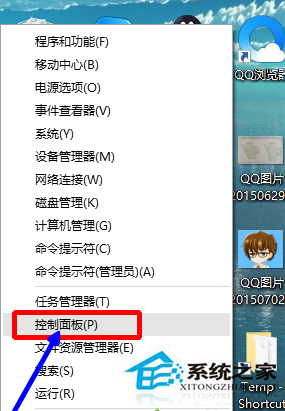
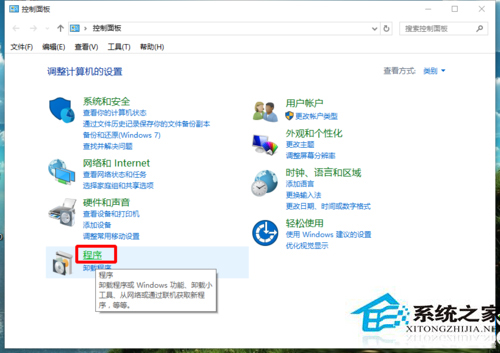
重開機後可在開始選單「Windows 系統工具」找到「Hyper-V 管理員」。
Win10 桌面圖示全變成 PDF 圖示?註冊表修復 .lnk 檔案關聯完整教學
Win10 如何登入 Microsoft 帳號?同步設定與 OneDrive 完整教學
Windows 10 將回收站釘選到工作列:繞道「開始選單」兩步驟完成
Win10 預覽版右下角小廣告怎麼關?任務管理員結束 HyFamily 進程
Windows 10 Xbox 應用錯誤 0x800488AB:切換 Microsoft 帳戶登入修復登入失敗
Win10 執行《星海爭霸》畫面顯示不全?調整相容性設定即可修復