Windows 10 技術預覽版中,回收站右鍵選單無「釘選到工作列」選項,需透過「開始選單」中繼:
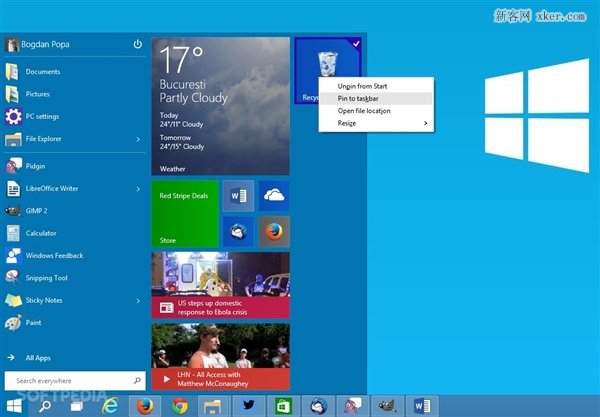
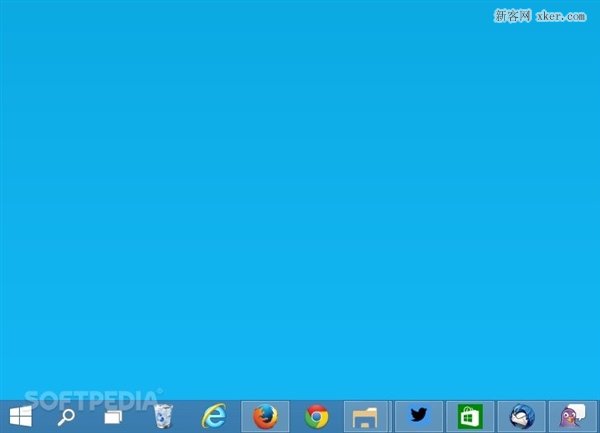
同樣方法可將「控制台項目」、「網路位置」、「特定資料夾」等無法直接釘選的物件固定到工作列。
Windows 10 查看已連接 Wi-Fi 密碼兩大法:圖形介面 / 無線路由器後台
Win10 開啟/關閉觸控鍵盤:工作列工具列與右鍵選單雙重途徑
Windows 10 Mobile Build 10166 快速版更新內容完整匯總:電池圖示放大、來電顯示控制、Edge 本地主機支援
升級 Win10 後 Office 2013 失效?兩種激活恢復法教學
Win10 安裝開發工具完整流程:加入 Insider、升級最新預覽版、安裝 Visual Studio 2015 CTP6 + Windows 10 SDK