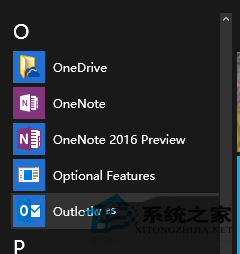
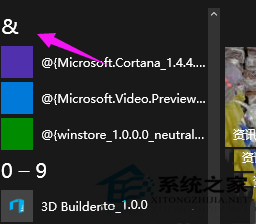
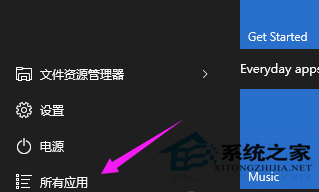
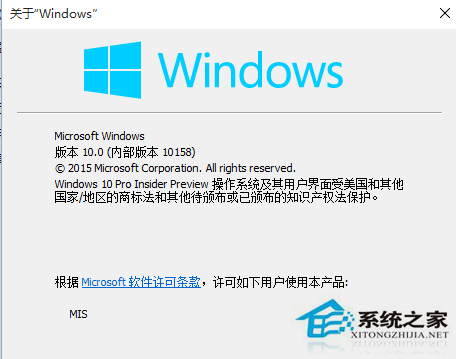
Win10 10156 版起支援開始選單程式排序:
常用軟體排至前端,免於海量清單中尋找。
Win10 更新 KB3124200 安裝失敗怎麼辦?補丁修復失效的應對策略
Win10 系統字體大小調整:設定 → 系統 → 顯示 → 進階縮放完整圖解
Windows 10 開啟磁碟管理的三種常用方法
Win10 修改登入畫面背景圖片:PowerShell 生成 Windows.UI.Logon.pri 替換系統檔案
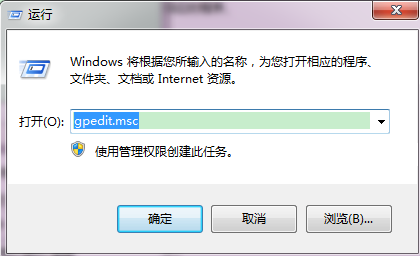
Win10 利用本機群組原則保護隱私:清除歷史、關閉追蹤三步驟
Win10 應用載入失敗怎麼辦?PowerShell 一鍵重置所有 Modern 應用至出廠狀態,比重裝更有效
Win10 重裝系統完整教學:使用 WinRE 恢復環境保留個人檔案重新安裝
Win10 Edge 瀏覽器下載檔案出現亂碼?群組原理解決