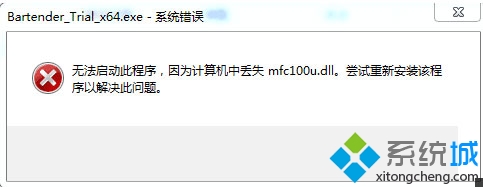
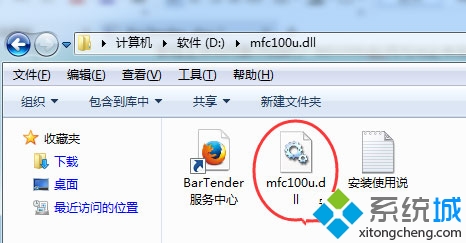
mfc100u.dll
Win10 「音樂」App 加入本地音樂資料夾,打造個人音樂庫
Win10 右鍵選單新增 PowerShell 腳本 (.ps1) 建立項目:註冊表 .ps1\ShellNew\NullFile
Win10 變更預設印表機設定教學
Win10 應用程式商店無法安裝應用?執行 wsreset 重置快取
Windows 10 鎖定螢幕兩大快速啟用法:Win+L 與 開始選單帳戶選單
Win10 快速重新啟動資源管理器:解決工作列卡頓、桌面圖示異常的最快方法
Win10 如何將碼錶釘選到開始選單?鬧鐘與時鐘應用→碼錶→更多選項→釘選到開始
Win10 設定螢幕自動關閉時間:控制台→系統與安全性→電源選項→變更電腦睡眠時間→設定關閉顯示器/睡眠時間