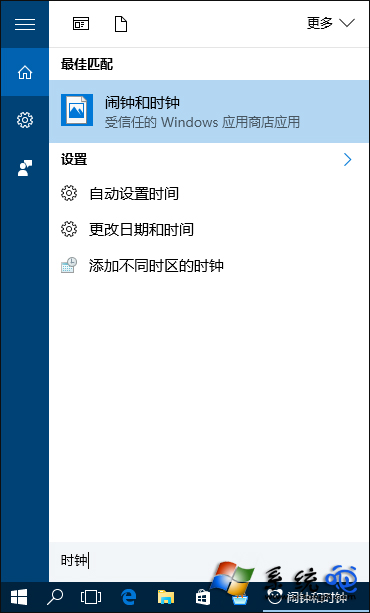
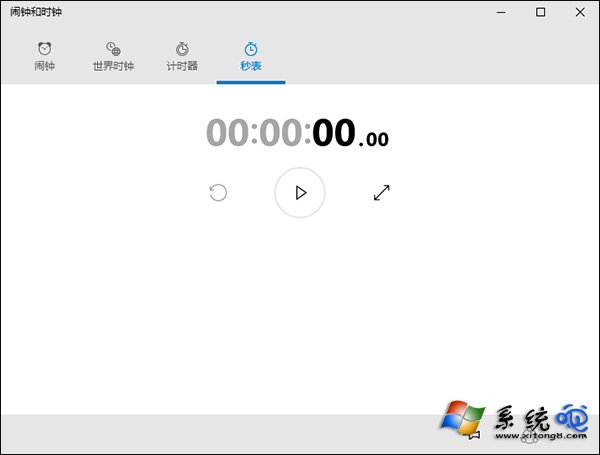
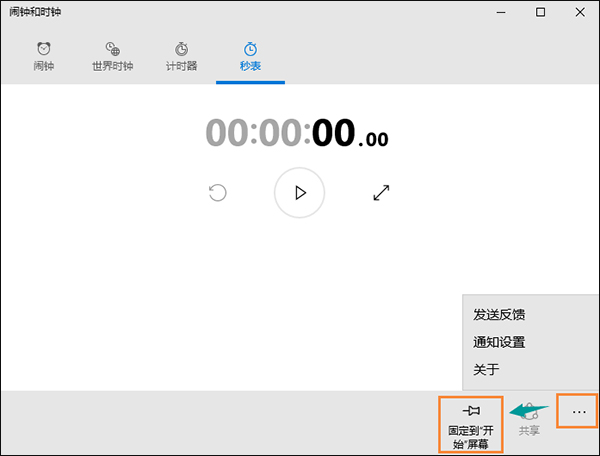
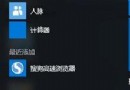
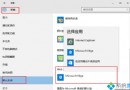
Win10 內建「鬧鐘與時鐘」應用含碼錶功能,常用者可釘選到開始選單或工作列一鍵開啟。
開始選單即出現碼錶磚塊,點擊直達。同理可釘選鬧鐘、計時器等分頁。
Win 10 透過群組原則保護使用者隱私:清除最近使用紀錄、關閉追蹤
Win10 新增網路印表機完整教學:憑據管理器儲存密碼 + Local Port 連接 + 驅動安裝
Win10 內建超級管理員無法開啟 UWP 應用?修改群組原則啟用「管理員核准模式」解決
Windows 10 讓 Charms 列回歸桌面:PopCharms 工具一鍵恢復 Win8 風格
Win10 Build 14910 發行時間預測與下載資訊
Windows 10 Build 9888 新功能體驗:設定應用內建搜尋
Win10 更新錯誤 0x80200056?三大解決方案完整攻略
Win10 開始選單與 Cortana 無法運作?啟用 User Manager 服務並登出登入徹底修復