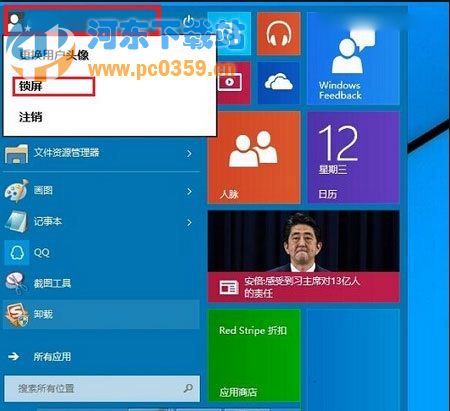
暫離電腦不想關機,鎖定螢幕可保護隱私並快速恢復工作。
Win + L 即刻鎖定,顯示時間、日期、通知等資訊,點擊或按任意鍵進入登入畫面輸入密碼/PIN/生物辨識解鎖。
開始選單回歸讓鎖定操作更直覺,配合 Win + L 肌肉記憶雙重保障。
Win10 啟用並移除桌面右下角浮水印教學
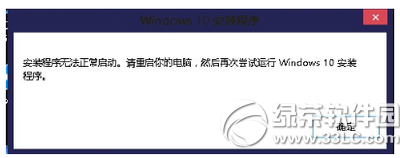
Win10 安裝 Office 365/2016 電腦無回應?官方解決方案:重新啟動安裝程序
Win10 如何禁止驅動程式自動更新?專業版/家庭版雙版本完整教學
Win10 1511 (TH2) 更新後藍屏?收集 DMP 檔案精準診斷錯誤代碼
Win10 升級失敗錯誤 80070003 解決教程:清理 SoftwareDistribution 文件夾
Win10 攝影機無法開啟?隱私權設定未允許應用存取,開啟權限即可解決
Win10 內建截圖工具完整教學:四種截圖模式與儲存技巧
Win10 系統如何清除 Chrome 瀏覽器網址列記錄?保護隱私防偷窺