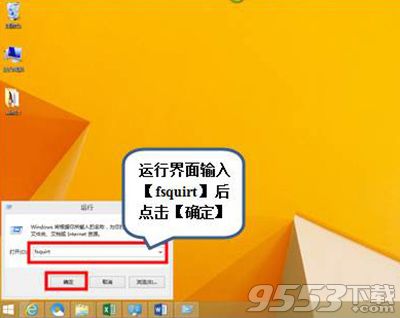
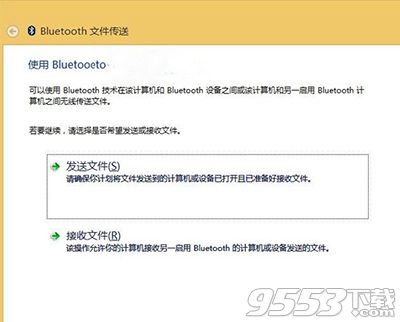
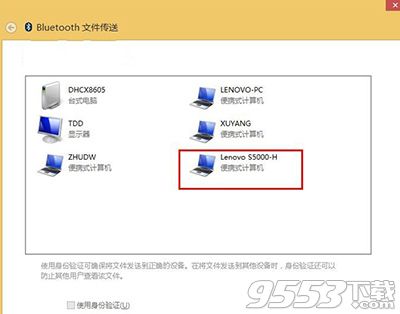
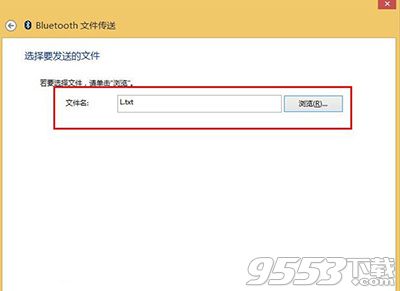
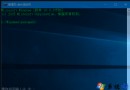
Windows 10 內建藍牙檔案傳輸功能,可透過 fsquirt 指令快速啟動傳輸精靈,支援發送與接收檔案。
fsquirt
接收端裝置需設為「可被發現」並確認接收。傳輸速度取決於藍牙版本 (Bluetooth 4.0+ 較快)。大檔案建議使用 Wi-Fi Direct、雲端硬碟或 USB 傳輸。
Win10 10576 閒置彈出 disksnapshot.exe 解決:工作排程器停用 Diagnostics 任務
Win10 顯示隱藏檔案一鍵搞定:檢視分頁勾選即可
Win10 升級後內建應用程式無法開啟?兩大解決方案完整教學
Windows 10 安裝提示「檔案遺失或損壞」解決方案:避免使用迅雷下載 ISO
Win10 如何完整清空 D 盤?格式化磁碟完整教學
Win10 磁碟寫入快取啟用/停用:裝置管理員原則設定與效能權衡
Win10 右鍵選單加入 Windows Defender 掃描選項:匯入 .reg 檔一鍵添加,右鍵即掃
Win8.1 升級 Win10 僅 Edge 可上網的解決方案