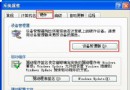
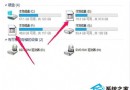
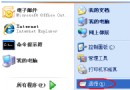
升級SP2後頻繁Explorer.exe錯誤導致藍屏,三大可能成因:
Explorer.exe
sfc /scannow
explorer.exe
C:\WINDOWS
依序排查,多數屬輸入法或系統檔案問題,修復後穩定運行。
將「安全模式」加入 Windows XP 多重開機選單:免按 F8 直接選擇
Windows XP 撥號上網累計時間查詢:事件檢視器完整教學
Windows XP「資料夾選項」從工具選單消失?群組原則一鍵恢復
軟體安裝無限重啟循環?註冊表殘留導致安裝失敗的根因與解法
Windows XP 空白密碼比弱密碼更安全?微軟官方指南揭示反直覺真相
Windows XP 極致優化指南:開機、登入、記憶體、服務全方位調校
WinXP 無法顯示隱藏檔案/資料夾?360殺毒修復 + 註冊表強制啟用 CheckedValue=1 雙重保險
WinXP C 槽空間不足?三大釋放空間實戰法:移動分頁檔、關閉系統還原、批次移除軟體