Windows 7 消費者功能備受矚目,企業版卻鮮為人知。微軟高階產品主管 Gavriella Schuster 揭露:Windows 7 與 Server 2008 R2 部署非一蹴而幾,屬長期策略;企業版蘊含降低總擁有成本(TCO)的關鍵功能。
透過 Windows Server 2008 R2 控制,採用 IPv6 強制加密傳輸,符合企業級安全標準,無需擔心 VPN 移除後的安全風險。
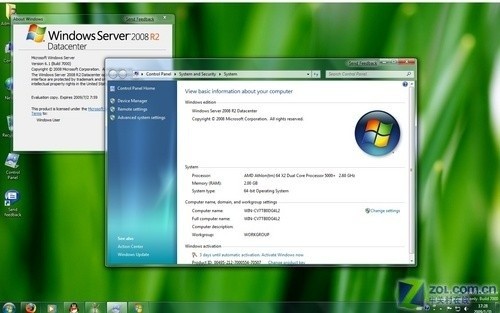
Windows Server 2008 R2 架構圖
企業應規劃長期遷移路徑,優先評估 DirectAccess、BranchCache、AppLocker 等企業級功能對 TCO 的實質影響,而非單純追求介面新奇。
Windows Server 2008 網路流量監控與限制實戰:MMC 效能監視器部署指南
Windows Server 2008 搭建 FTP 站點完整配置指南
Windows Server 2008 啟用網路存取保護 (NAP) 完整部署指南:健康原則、驗證策略、網路原則、DHCP 強制
部署 NAP for DHCP 限制不合規用戶端取得 IP:健康原則伺服器、修補伺服器群組、DHCP 強制 NAP 驗證完整實作
Windows Server 2008 VPN 跨子網路由設定:route add 指令解決遠端存取盲區
Windows Server 2008 HPC 叢集核心概念與使用者角色管理完整指南