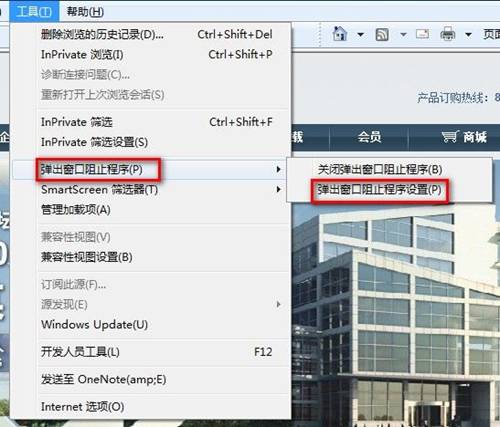
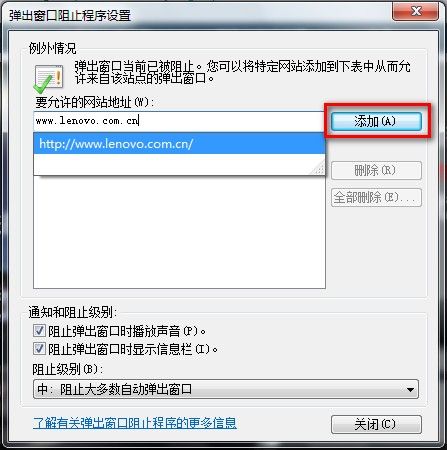
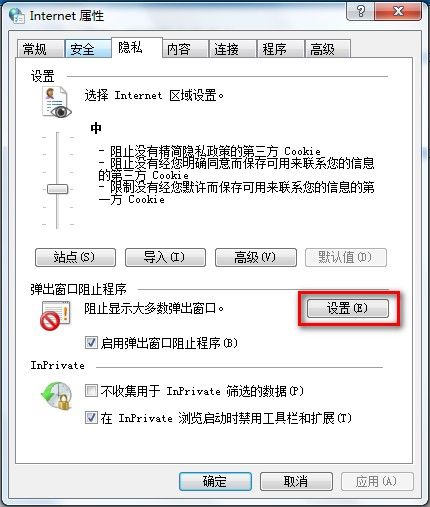
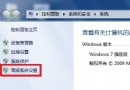
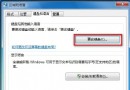
Win7 IE 彈出視窗攔截器例外網站設定:
FreeBSD 上運行 Windows 軟體:Wine 完整配置與實戰指南
資料救援五大絕招:讓徹底刪除的檔案起死回生
FreeBSD 建立 ADSL 撥號閘道伺服器:PPPoE 設定、mpd 安裝、NAT 啟用完整教學
教你阻止 Windows XP 藍畫面死機的實戰招式
Windows 任務列圖示不見了?快速啟動、語言列、音量、網路、時鐘、電源圖示一鍵找回全攻略
Windows 磁碟管理工具為行動硬碟分區完整圖解教學
自動啟動程式大搜查:七大管道徹底掌握開機啟動項
cidaemon.exe 佔用 CPU 100% 怎麼辦?關閉索引服務徹底解決高負載