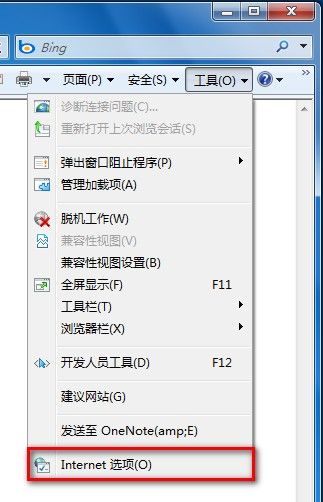
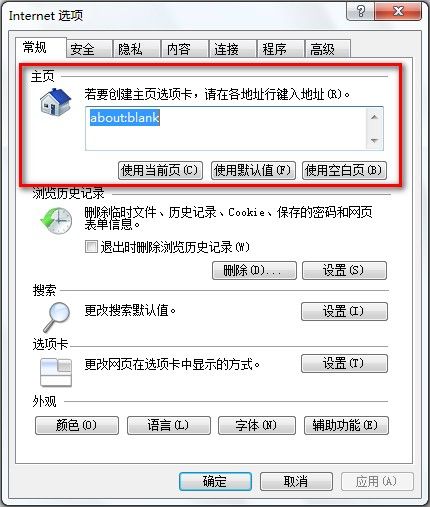
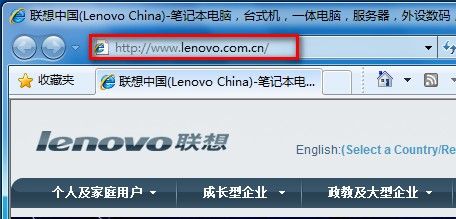
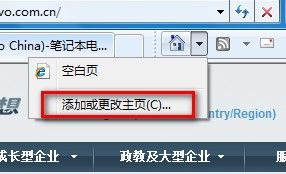
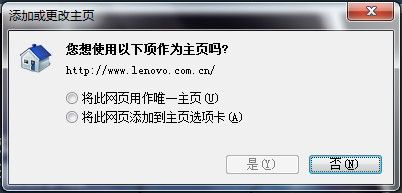
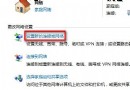
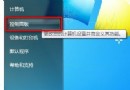
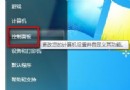
Win7 修改 IE8 首頁兩種方法:
方法一(網際網路選項):
方法二(IE 首頁圖示):
Windows 定時開關機完整設定指南:BIOS + 工作排程器
Ghost 還原硬碟克隆避坑指南:從 DOS 環境到開機磁碟的血淚經驗
透過區域連線屬性啟用 TCP/IP 篩選關閉非必要連接埠
「移花接木」快速重裝 Windows:利用現成系統克隆與硬體配置檔技巧
Windows 7 下 VMware 虛擬機上網:Host-Only + ICS 完美解決
專訪國內最年輕元老級駭客「子彈」:從腳本小子到 Dead Cow 核心成員的心路歷程
清空資源回收筒後檔案救回術:登錄檔重建資源回收筒命名空間
企業局域網如何禁止 WiFi 共享精靈、隨身 WiFi 與熱點?完整技術方案