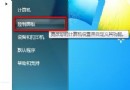
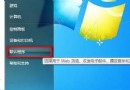
Win7 IE8 分頁瀏覽開關:
啟用時:分頁式瀏覽;停用後:每開一個網頁彈出新視窗。
啟用分頁瀏覽
停用分頁瀏覽
電腦多次重啟才能開機?記憶體只識別一半?硬體故障排查指南
網路線短路導致無法開機?一根銅絲引發的血案
電腦診療室:Windows 常見故障詳解(下)
Windows 7 更換桌面背景 (桌布) 完整教學:單張、輪播、自訂位置、填滿/調整/平鋪/置中/跨螢幕
頑固軟體刪不掉?六大非常規卸載神技:QQ/Winamp/WinRAR/Defender/MsiCuu/超級兔子
刪除與粉碎的本質差異:機密檔案徹底銷毀指南(進階版)
揭密電腦優化騙術:ADSL 1M 變 2M?XP 開啟二級快取?真相在這裡
善用系統檔案檢查器:修復損壞系統檔,還原乾淨環境
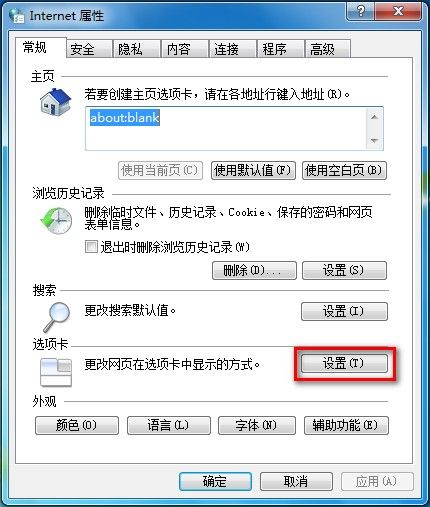
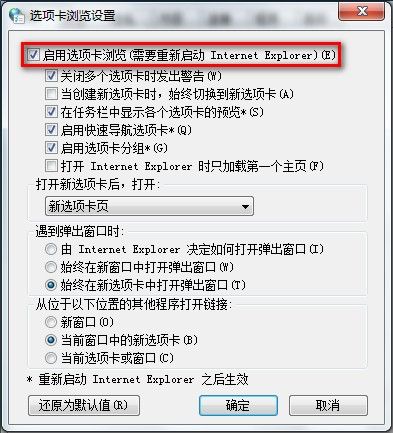
 啟用分頁瀏覽
 停用分頁瀏覽