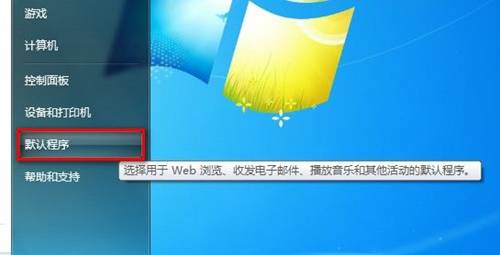
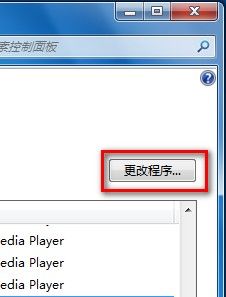
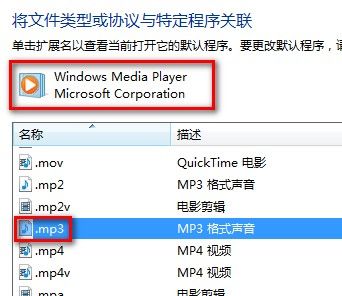
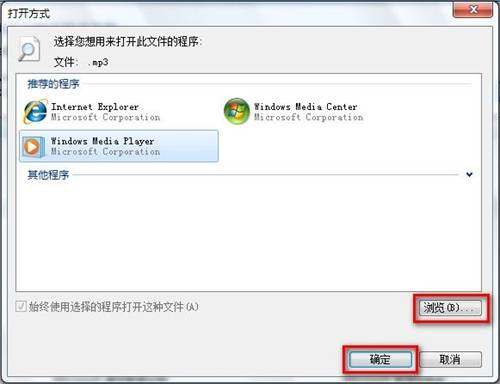
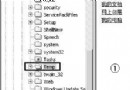
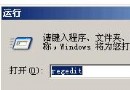
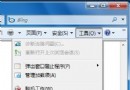
Win7 設定檔案關聯步驟:
Windows 搜尋「漏網之魚」:開啟中的檔案竟成盲點
大幅提升 Windows XP 開機速度的五大關鍵優化
企業局域網如何禁止 WiFi 共享精靈、隨身 WiFi 與熱點?完整技術方案
Windows 系統維護八大黃金法則:從磁碟整理到登錄檔優化
Windows 7 依網路位置設定防火牆規則:家用、公司、公用網路分別管控
USB 隨身碟與登錄檔深度關聯:裝置列舉、掛載點、驅動路徑完整解析
網管必會 Net 命令 20 大實戰技巧:查看/管理網路、使用者、服務、共享、列印、時間同步全搞定
Serv-U FTP 伺服器中文亂碼完美解決:關閉 UTF-8 指令與編碼設定,上傳下載不再錯