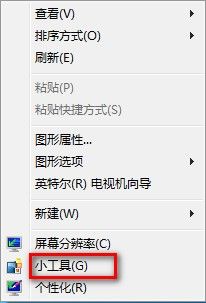
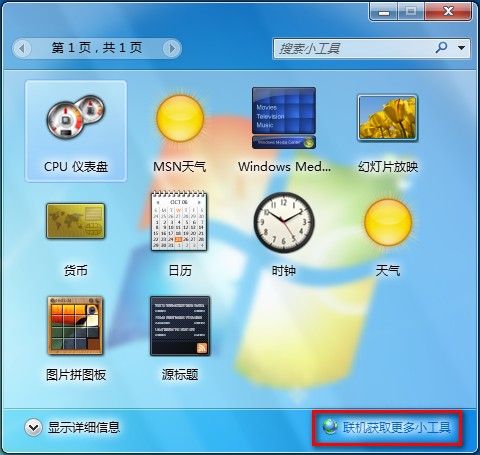
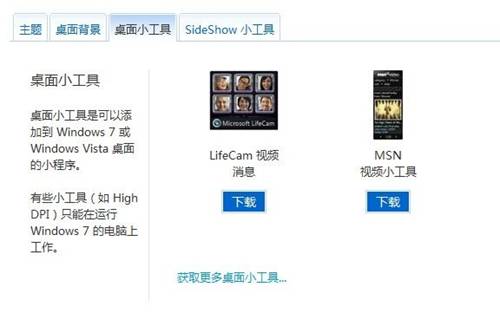
Windows 7 從網路下載更多桌面小工具:
Windows 7 變更使用者帳戶名稱操作步驟圖解
五招實現 Windows 一鍵關機:從系統設定到熱鍵腳本全攻略
Win7 設定檔案關聯:指定特定程式開啟特定檔案類型(以 .mp3 為例)
Windows 字型安裝神器 Font Loader:按需載入上千字型不拖垮系統、設計軟體秒讀取
Windows 更新程式安裝參數完整指南:靜默、批次、解壓縮、列出清單一把罩
IT 人必收:13 個 Alt 鍵高效操作技巧全解析
Windows 7 解除安裝程式完整操作步驟
電腦自動關機指令大全:排程、倒數計時與快捷方式設定教學