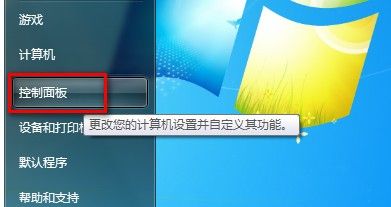
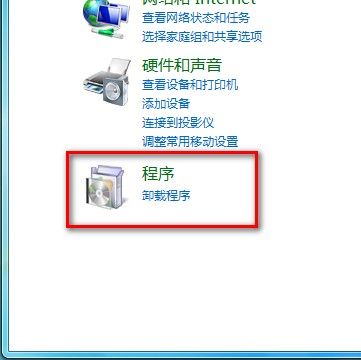
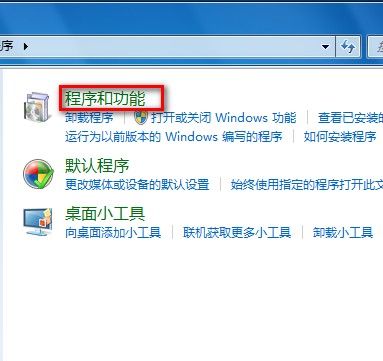
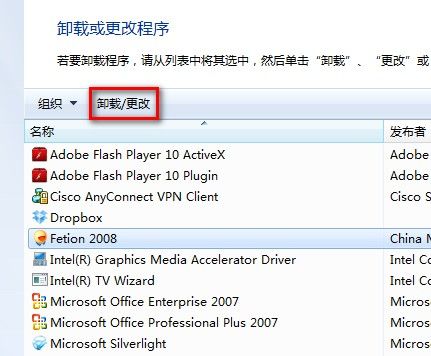
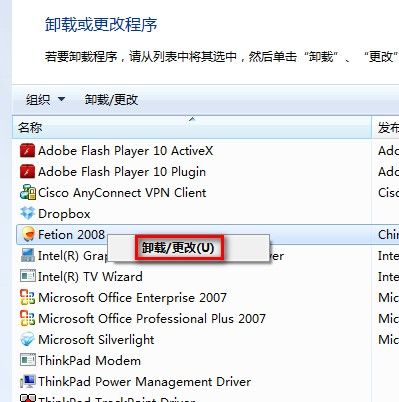
Windows 7 移除已安裝程式的兩種方法:
殺毒後輸入法消失、關機卡死?補上 ctfmon.exe 再打 SP3 補丁徹底解決
企業升級作業系統的最佳時機與策略:從 Windows 2000/XP 到 Longhorn 的過渡指南
Windows 7 線上取得桌面小工具 (Gadgets) 方法
Windows Installer 服務不見了?msiexec 重新註冊一鍵修復
CryEngine 3 在 XP 上報錯「無法定位程序輸入點 ReleaseSRWLockExclusive」解決方案
Windows 更新程式安裝參數完整指南:靜默、批次、解壓縮、列出清單一把罩
網路線短路導致無法開機?一根銅絲引發的血案
C 槽空間不足不想重灌?17 招深度清理與結構優化保姆級教學