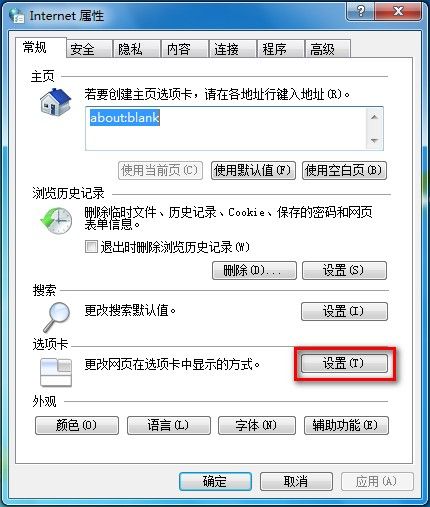
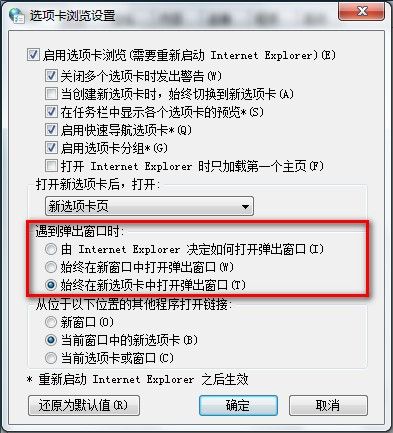
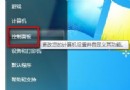
Win7 IE 彈出視窗在新分頁開啟設定:
Win7 還原 IE8 進階設定:控制台→網路與網際網路→網際網路選項→進階→還原進階設定
解決「偵測到不相容的鍵盤驅動程式,對話方塊已停用」錯誤:註冊表修復法
Windows Server 2003 管理實戰:免重啟裝補丁、終端服務多登入、遠端查日誌
Windows 建立多使用者帳號完整教學:權限規劃與密碼設定
Win7 更改音效配置:自訂系統事件聲音、預覽測試、建立新配置
Win7 IE8 自動完成功能設定:控制台→網路與網際網路→網際網路選項→內容→自動完成設定→勾選欲自動完成項目(網址/表單/使用者名稱密碼)
遠端登入伺服器安全與提速實戰:精簡程序、強化帳號、善用專業工具傳檔
Windows 藍屏錯誤代碼完整對照表與排查指南