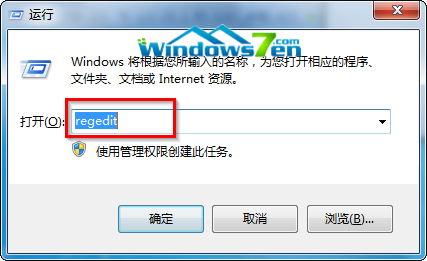
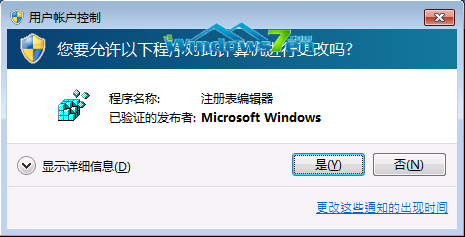
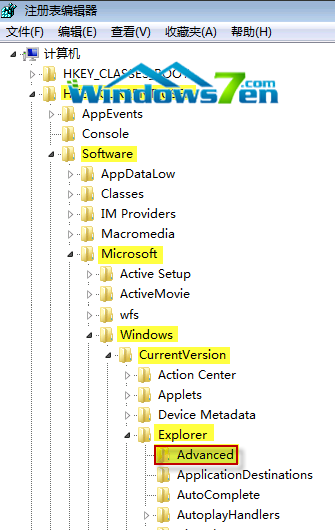
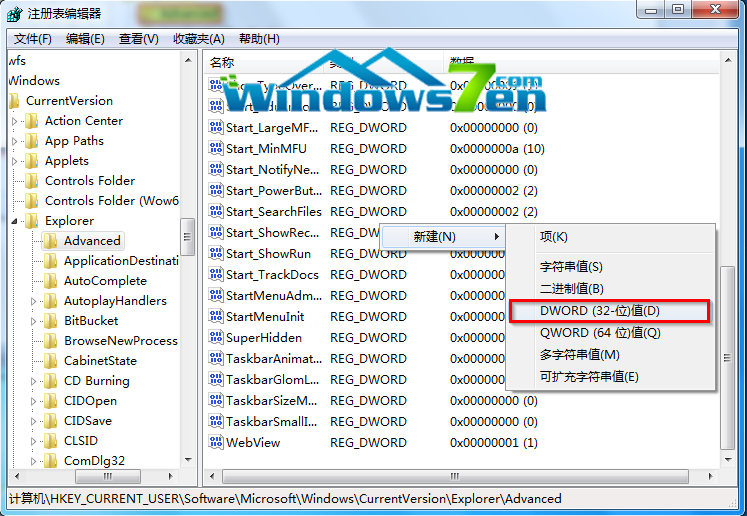
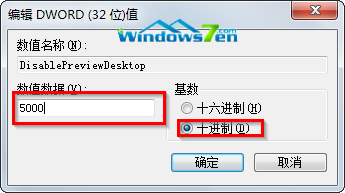
工作列右側「顯示桌面」預設懸停 1 秒即預覽桌面,易誤觸導致執行中程式視窗變透明。透過登錄新增 DesktopLivePreviewHoverTime 可自訂延遲毫秒數(如 5000 = 5 秒)。
DesktopLivePreviewHoverTime
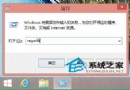
regedit
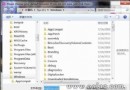
HKEY_CURRENT_USER\Software\Microsoft\Windows\CurrentVersion\Explorer\Advanced
5000
Windows 10 應用程式商店無法開啟,提示「在關閉使用者帳戶控制情況下無法開啟」的解決辦法
微軟釋出緊急安全補丁修復所有 Windows 版本 OpenType 字體遠端執行碼漏洞
Windows 10 開啟 Windows Defender 內建防毒教學:必須先關閉第三方防毒軟體才能啟用即時保護
Windows 7 任務管理器顯示映像路徑與命令列:識別可疑進程完整指南
Win10 資料夾不顯示檔案大小資訊?檔案總管「選項」→「檢視」勾選即可恢復
Win10 關閉右下角通知中心/操作中心:登錄表法徹底禁用圖示與彈出
Win10 隱藏檔案/資料夾與顯示隱藏項目 完整圖文操作教學
Win8 登入 QQ 後不想自動登入 QQ 寵物?取消登入設定中的自動啟動選項