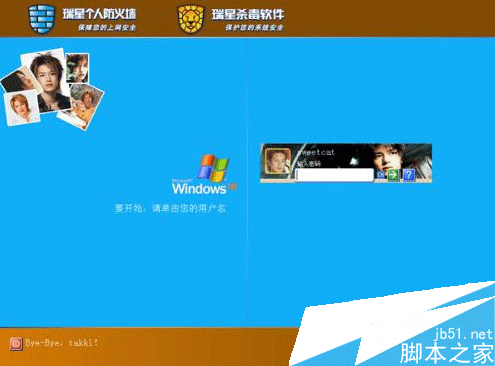
Win7 起桌面捷徑皆有小箭頭,Win8 更額外加上 UAC 盾牌圖示,影響美觀。使用免費小工具「Remove Shortcut Icon」可一鍵移除箭頭與/或盾牌,操作直觀簡單,執行後重啟總管或重新登入即可生效。
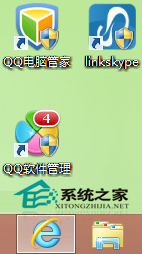
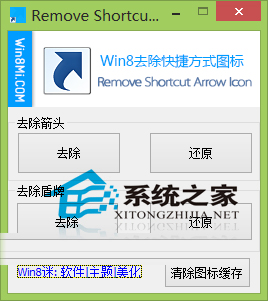
原理:工具修改登錄中捷徑圖示覆疊設定,屬系統級美化調整,安全無毒。
Win7 如何查詢 NVIDIA 顯卡記憶體大小?桌面右鍵開啟 NVIDIA 控制台 → 系統屬性一覽無遺
遠端桌面連線 Win7 提示「必須被授予透過終端服務登入的權限」完整解決教學
Win10 Redstone 概念設計曝光:互動式動態磚、標籤式檔案總管、透明磚
Windows 10 隱藏神器 Game Bar 螢幕錄影教學:Win+G 開啟、Win+Alt+R 錄製、Xbox 應用管理剪輯
Win10 磁盘 100% 占用解决大全:16 招从关闭家庭组到上 SSD 彻底治愈
Win7 家庭進階版找不到 secpol.msc (本地安全性原則) 怎麼辦?