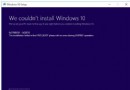
Windows 10 新系統剛釋出,部分舊應用程式可能不相容。透過「相容性疑難解答」自動偵測並套用建議設定(如模擬 Win7 環境),即可讓軟體在 Win10 下正常執行。
操作步驟
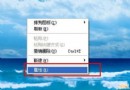
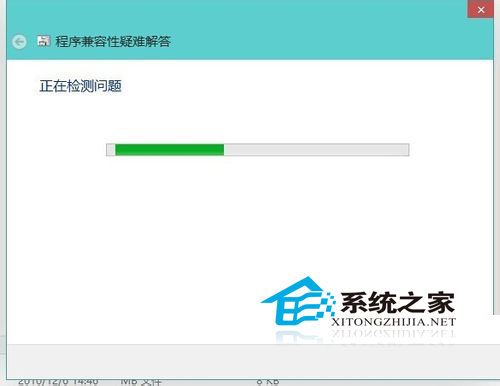
- 在不相容程式的執行檔或捷徑上右鍵,選擇「相容性疑難解答」。
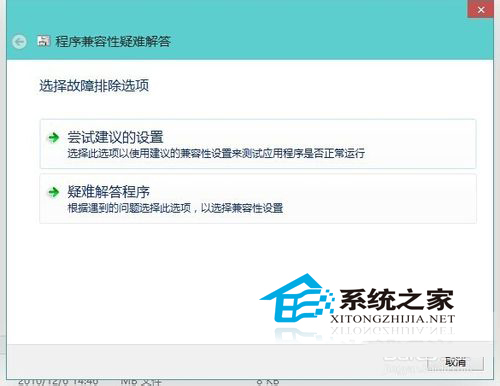
- 系統偵測問題後,選擇「嘗試建議的設定」。
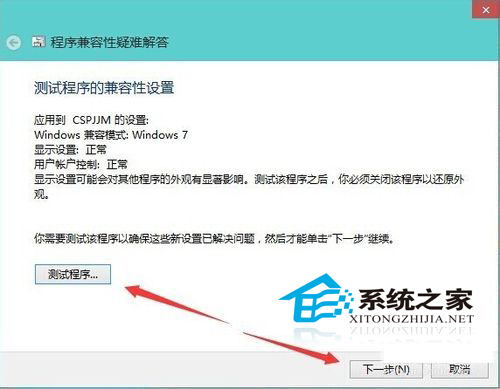
- 偵測到相容模式(如 Windows 7),點擊「測試程式」確認能正常執行,再按「下一步」。
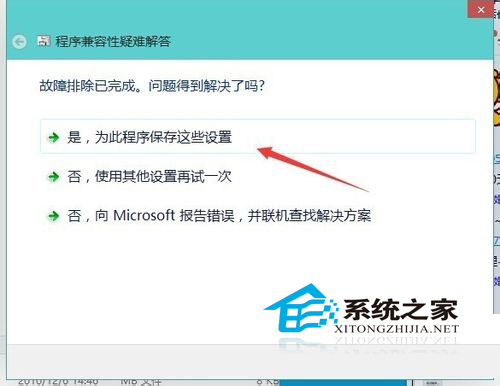
- 選擇「是,儲存這些設定給此程式」。
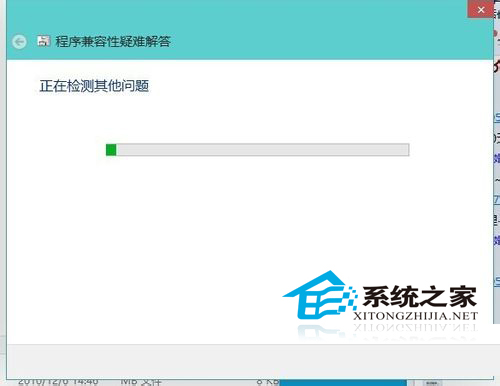
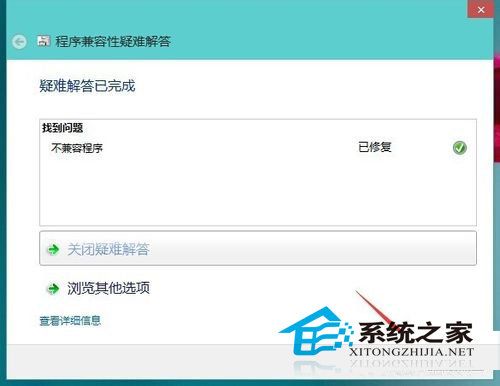
- 精靈繼續檢測其他問題並自動修復,完成後關閉視窗,程式即可正常啟動。
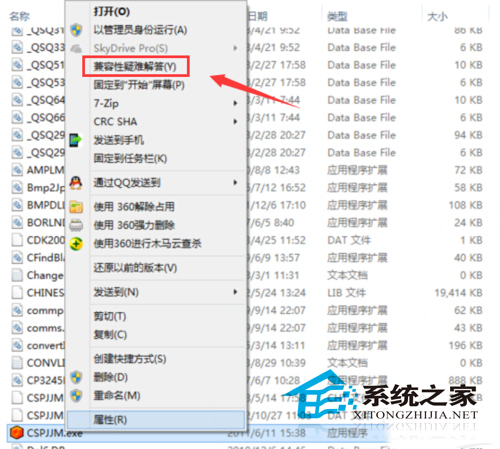
補充:亦可手動在屬性→「相容性」分頁勾選「以相容模式執行此程式」並選擇作業系統版本,但自動疑難解答更省時且準確。