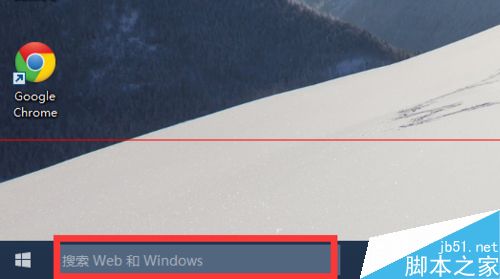
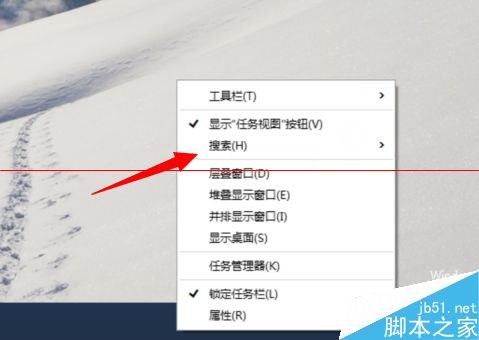
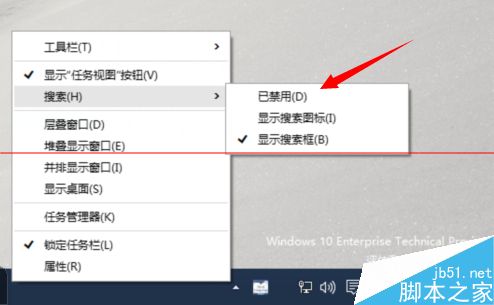
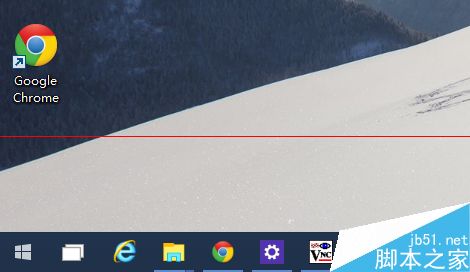
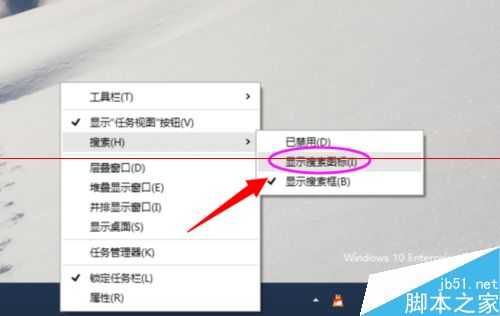
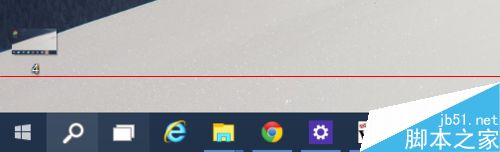
Win10 工作列預設顯示長搜尋框,覺得礙眼或中文支援不佳可關閉:
微軟:Win 10 將禁止特定防毒軟體與深度嵌入系統的舊遊戲運行,SecuROM/SafeDisc DRM 受影響
Win8.1 IE11 安裝廣發銀行密碼控件無法使用?以系統管理員身分執行安裝教學
Windows 10 10074 將 IE 瀏覽器釘選至工作列:開始功能表 → Windows 附屬應用程式 → 右鍵釘選
Win8 寬帶連線錯誤 720「無法建立遠端電腦連線」兩大成因與解決辦法
Win8 迅雷局域網共享設定教學:建立共享目錄、密碼保護、跨裝置存取下載
Win7 如何設定與使用放大鏡功能?視力不佳長者與文字工作者的實用工具