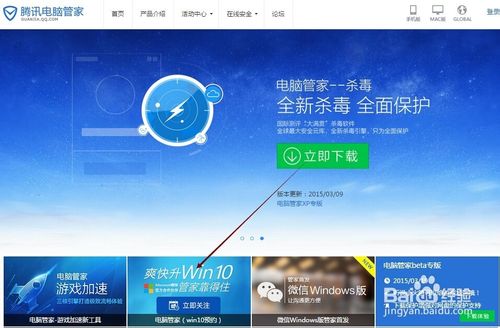
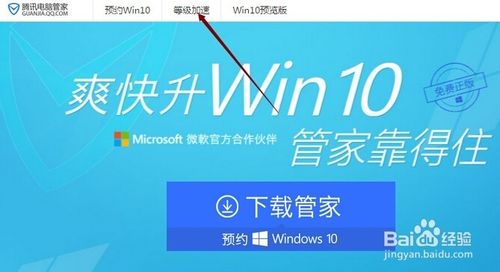
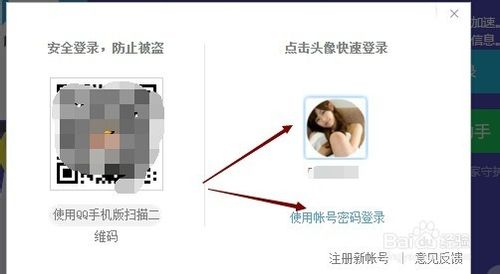
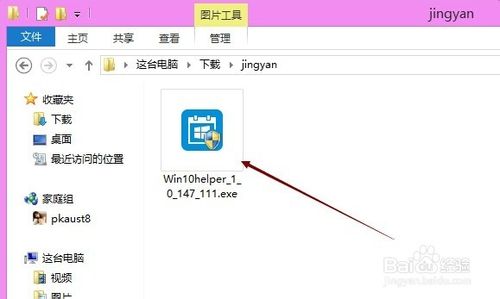
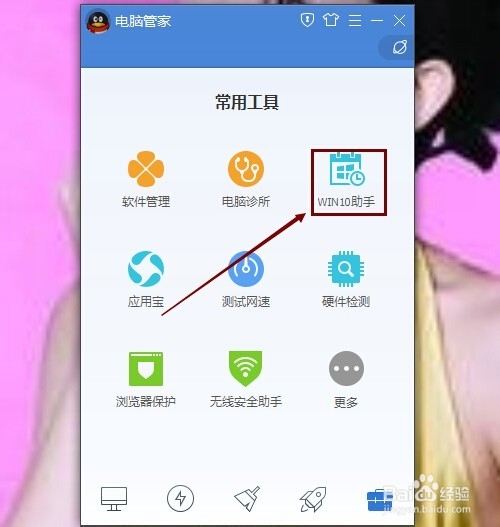
Win10 正式版即將推出,QQ 電腦管家推出升級助手,可預約一鍵升級。下載安裝步驟:
Windows 7 印表機刪除後自動復活?徹底移除驅動程式才能根治
Windows 關閉 IPv6 服務完整圖文教程
Win10 正式版「此電腦」在哪裡?兩種方法讓桌面顯示此電腦圖示
Win7 VPN 連不上卡在「驗證使用者名稱和密碼」?啟用 IKE and AuthIP IPsec Keying Modules 服務即可
Win10 應用程式商店更新 2015.9.9.2 版:修復閃退崩潰、運行更穩定、支援海外區域影音免費資源
Win7 設定密碼永不過期:一勞永逸避免定期強制變更密碼煩擾
Bug 太多:Windows 10 Build 9879 Slow Ring 推送延遲,內核版本號已升為 10.0
Windows Server 2003 新增/移除程式與 Windows 元件完整操作指南