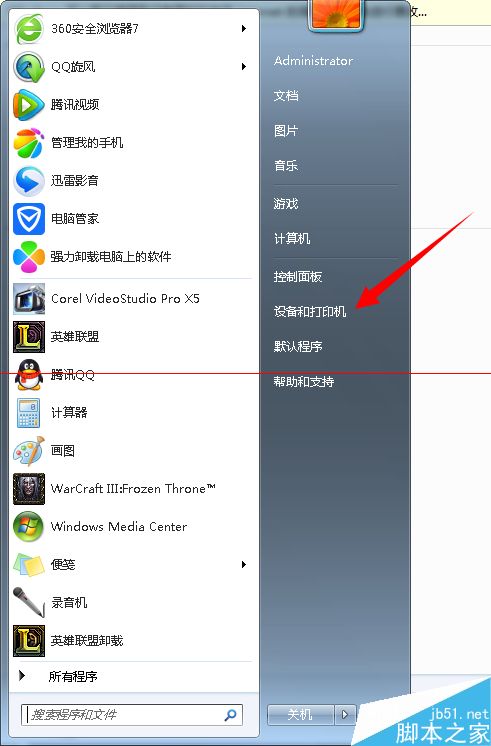
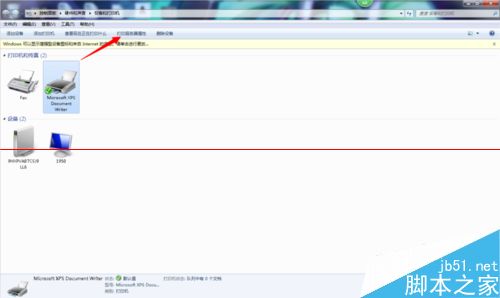
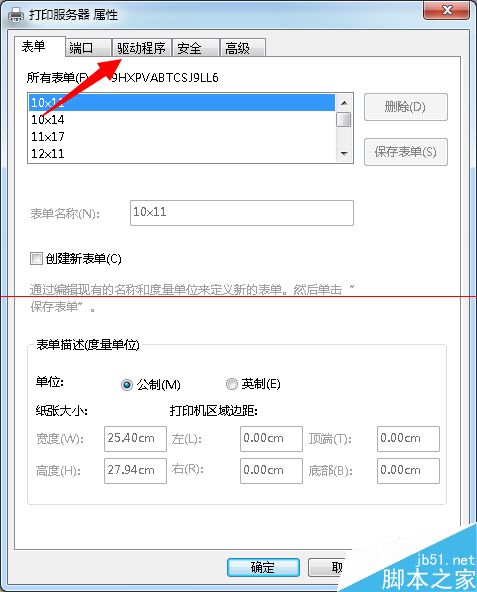
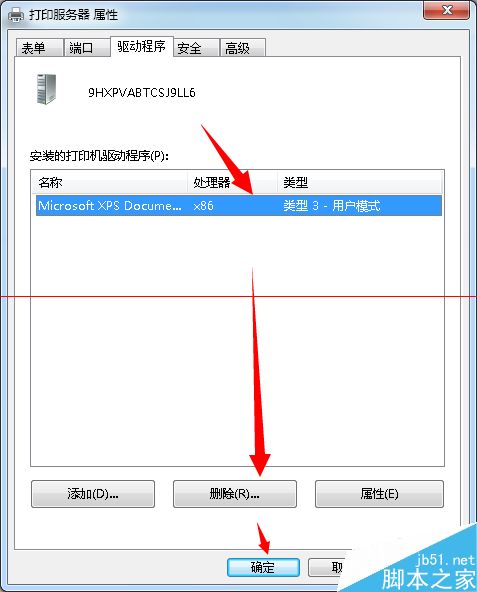
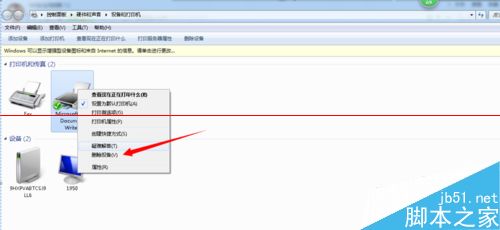
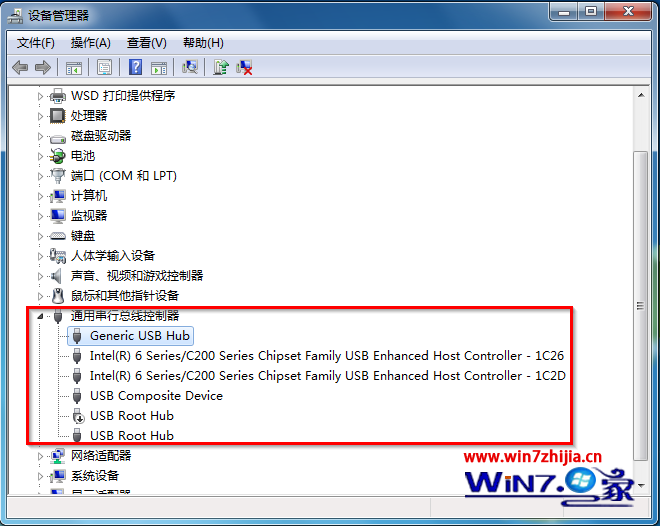
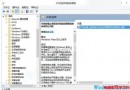
刪除印表機後重新整理或重開機又自動出現,主因驅動程式殘留系統中。必須先移除驅動程式再刪除裝置才能徹底清除。
此法適用於所有 Windows 版本,解決「牛皮癬」般反覆出現的印表機圖示。
Win10 首個重大更新分支:Redstone 版本 10500 曝光(屬 th2 分支)
Win10 週年更新正式發布:功能全面升級,夏季免費推送
Windows 10 隱私設定完整指南:關閉預設資料收集、保護個人資訊不外洩
筆記型電腦 Win7 網路橋接:解決無線訊號弱、擴大覆蓋範圍
Windows 7 兩大進階優化:突破 4GB 記憶體限制與啟用多用戶同時登入
「應用程式無法啟動,因為並行設定不正確」Win10 兩大解決方案
Surface 應用更新:針對 Win10 優化 UI、修復 Surface Pro 3 筆輸入與 OneNote 啟動問題
Win10 應用程式商店 2015.9.9.2 更新修復閃退問題