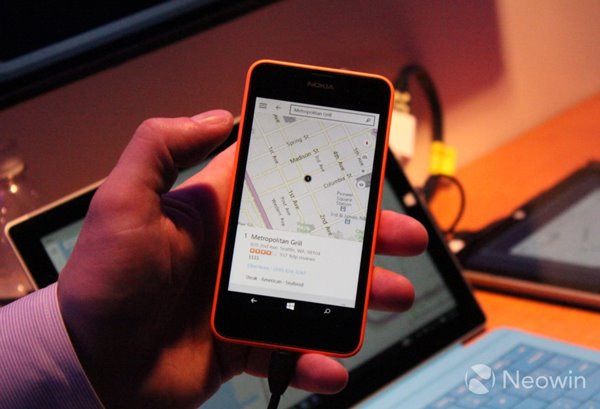
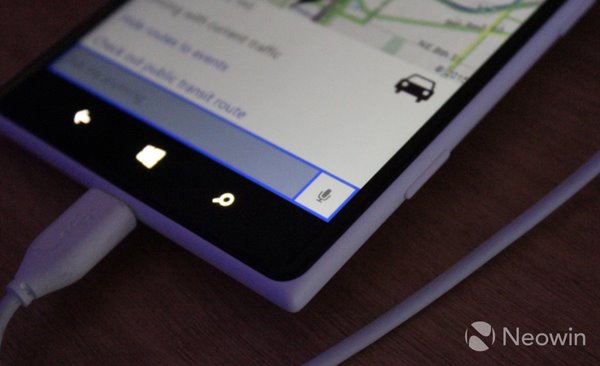
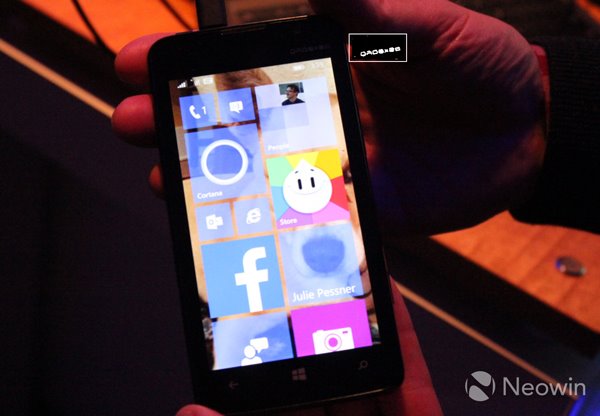
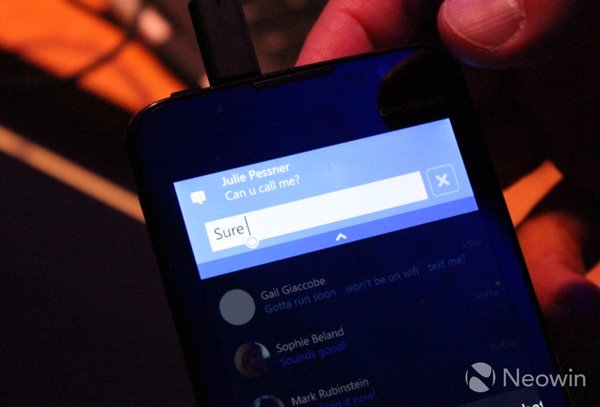
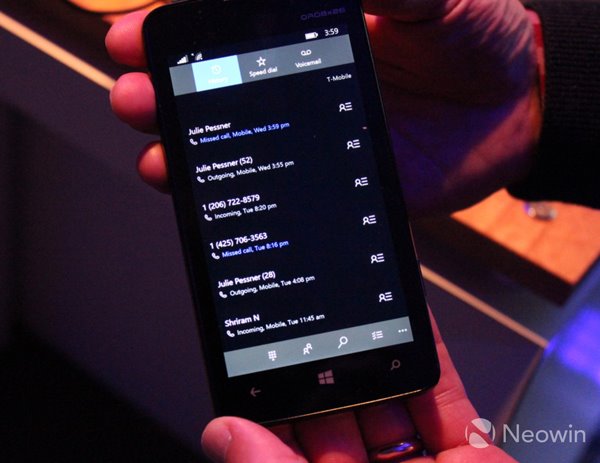
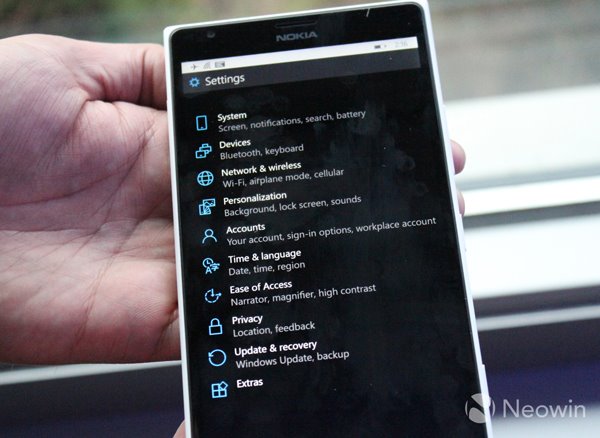
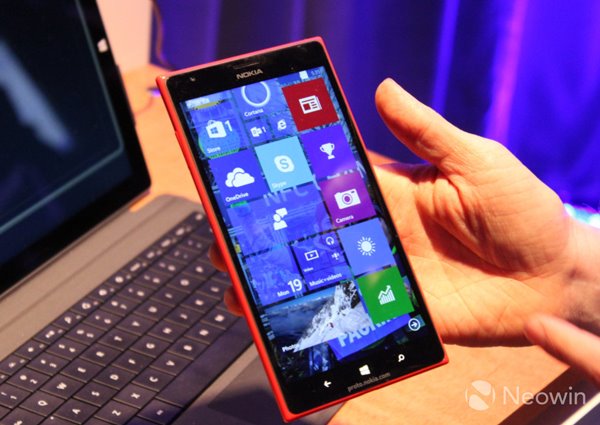
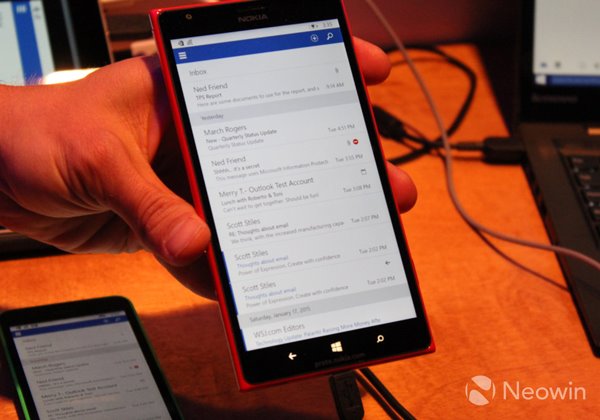
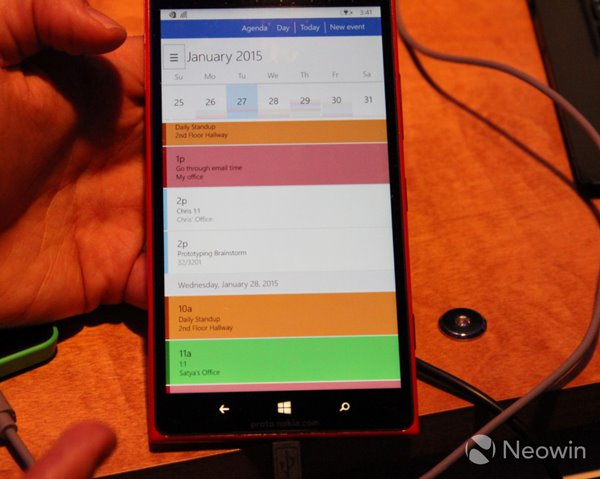
微軟 Win10 發布會示範手機版系統,以下為真機(Lumia 630/635/1520 等)運行畫面圖賞,涵蓋開始畫面、Cortana、地圖、通知中心、訊息、電話、設定、郵件、日曆、虛擬鍵盤等核心介面。
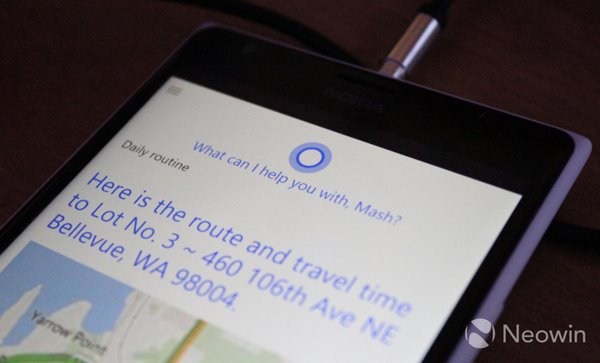
亮點摘要
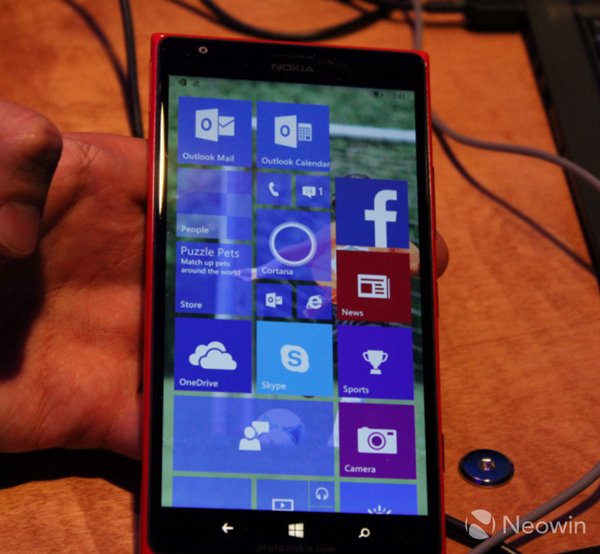
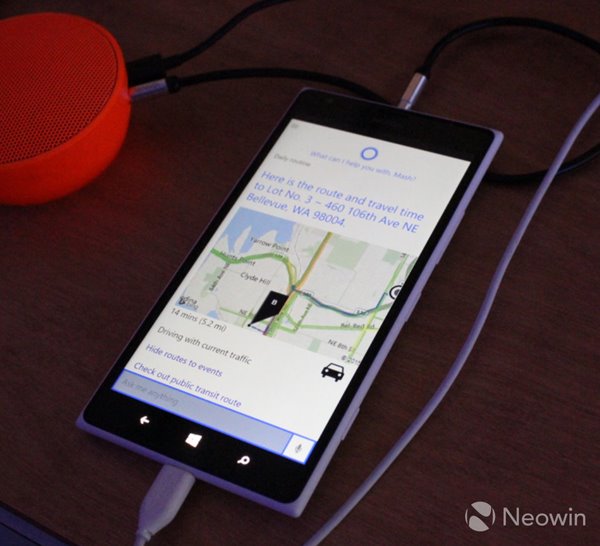
- Cortana 「漢堡選單」移至左上角,移除音樂符號。
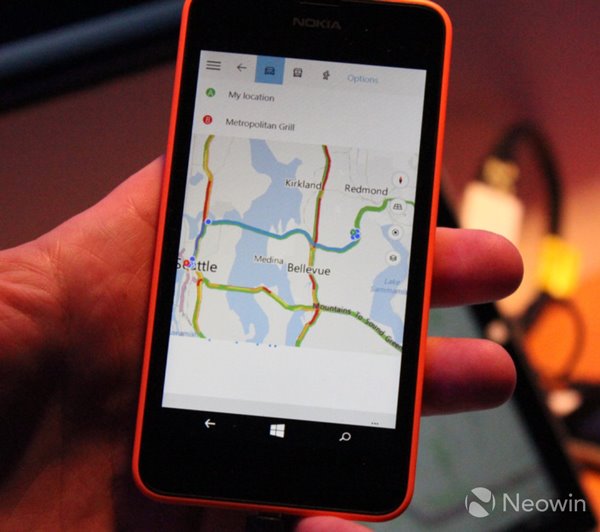
- Lumia 630/635 可運行地圖導航,636/638 用戶可放心升級。
- 系統應用半透明磚,第三方應用保持實色。
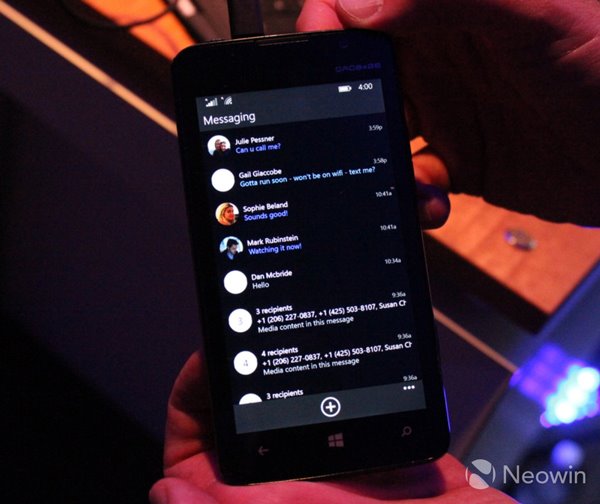
- 互動式通知中心、整合 Skype 的訊息應用。
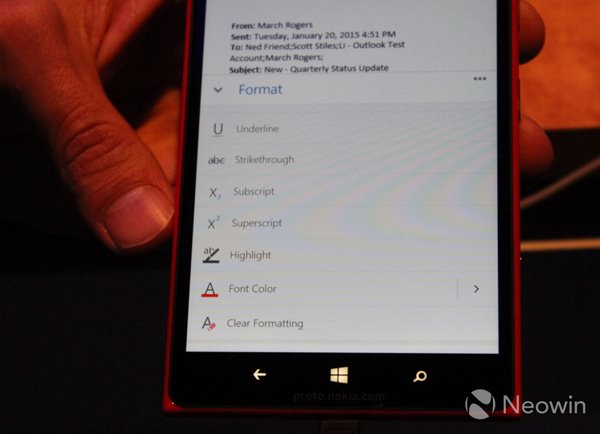
- 郵件應用支援格式化功能,日曆分類顯示清晰。
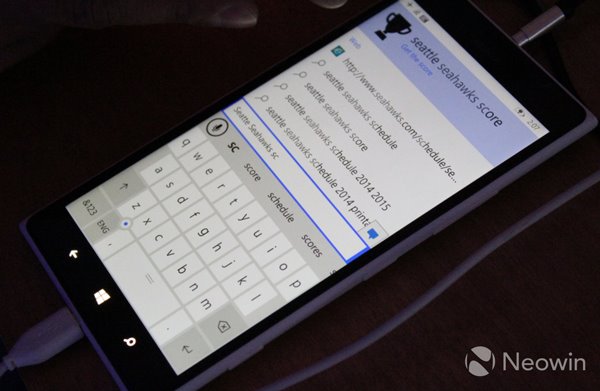
- 虛擬鍵盤左下角「定位點」(藍點)可精準移動游標,大幅提升打字體驗。
結論:介面美觀度取決於用戶搭配主題,但功能易用性明顯提升。Lumia 630 系列確認可升級,打消外界唱衰聲音。