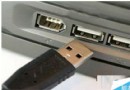
隨身碟/外接硬碟插入後無法開啟,可嘗試由輕至重三種修復方式。
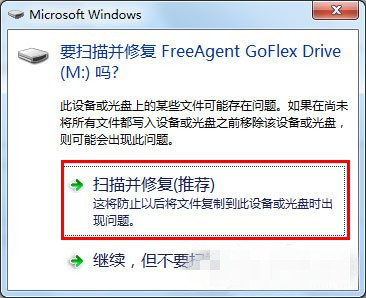
方法一:Windows 內建掃描修復(最簡單)
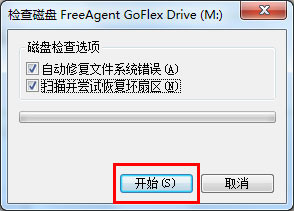
- 插入裝置彈出「修復」提示 → 「掃描並嘗試修復」。
- 勾選「自動修復檔案系統錯誤」與「掃描並嘗試修復壞磁區」 → 「開始」。
方法二:chkdsk 指令修復(較徹底)
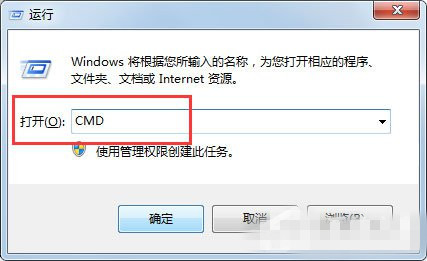
- 若提示「檔案或目錄損毀無法修復」:Win + R →
cmd。
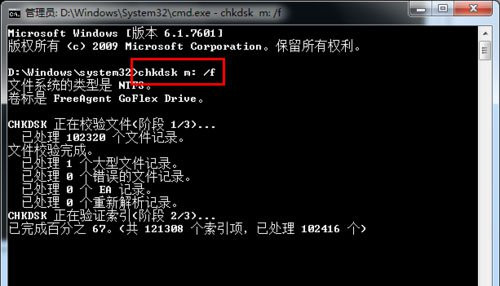
- 輸入
chkdsk M: /f(M 為裝置磁碟代號)。
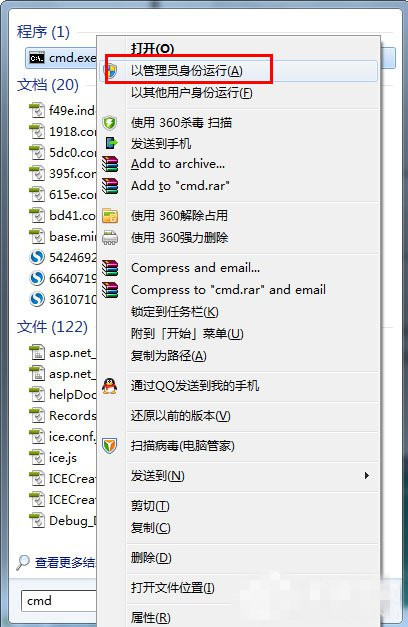
- 若權限不足:開始搜尋
cmd → 右鍵「以系統管理員身分執行」再執行指令。
方法三:低階格式化(最後手段,資料全失)
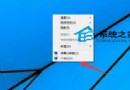
- 右鍵裝置 → 「格式化」。
- 取消勾選「快速格式化」(即執行低階格式化)。
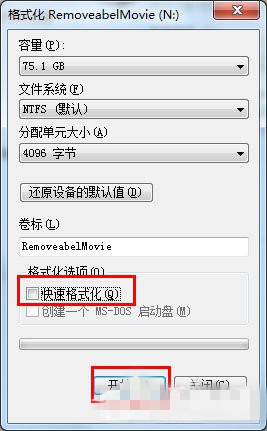
建議依序嘗試,方法三會清空所有資料,請先嘗試資料救援軟體。