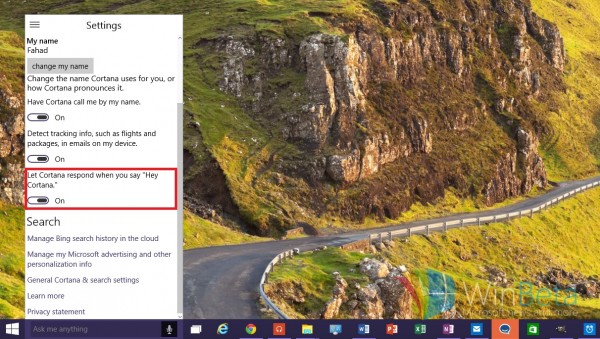
Cortana 終於登陸 PC 端,在工作列以文字框/麥克風圖示呈現。啟用方式:點擊文字框輸入或點麥克風語音指令。若要免雙手操作,需手動開啟「Hey Cortana」被動喚醒。
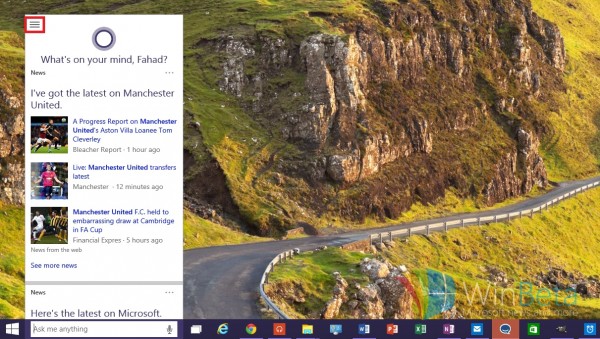
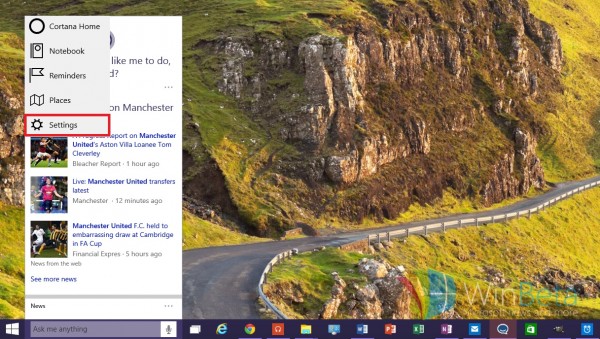
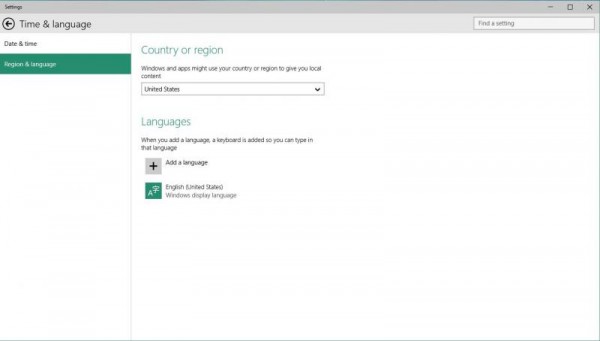
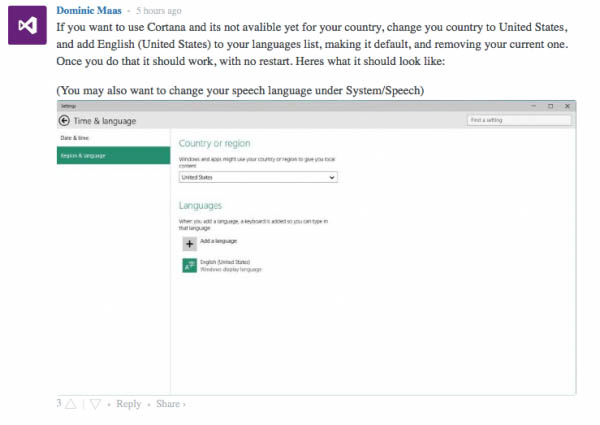
在「設定」→「時間與語言」→「地區與語言」,將國家改為「美國」,新增「英語(美國)」即可體驗 PC 版 Cortana。
「Hey Cortana」原僅限高階 Lumia 手機,現登陸 PC,未來將支援瀏覽網頁、開啟 Word 文件等更多指令。
Win7 重裝系統遭遇斷電怎麼辦?錯誤提示「計算機意外重啟」完美解決教程
Win7 網路正常但網頁顯示不完整?清除暫存檔與調整快取空間
Win7 螢幕亮度快速調節教學:控制台電源選項與 Win+X 行動中心雙重法
Build 2016 前瞻:Win10 RedStone 1 (RS1) 新功能與發布時間深度解析
Win10 如何在本機帳戶下使用 Microsoft Store 下載應用?無需切換微軟帳戶登入系統
Windows 10 如何快速清除 DNS 快取?一條指令 ipconfig /flushdns 即時生效