Windows XP Windows 7 Windows 2003 Windows Vista Windows 綜合教學 Linux 系統教學
Windows 10 Windows 8 Windows 2008 Windows NT Windows Server 電腦軟體教學
您现在的位置: Windows教程網 >> Windows教程 >  >> Windows 綜合教學 >> 關於 Windows

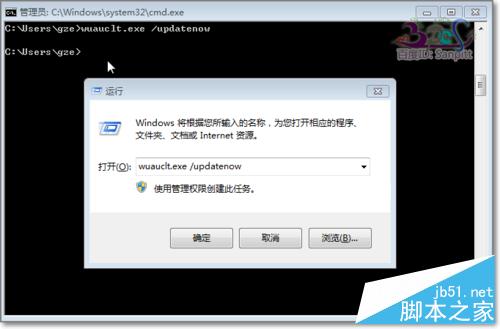
Windows 10 升級指令 wuauclt.exe /updatenow 無效解決方案與終極手動下載法

編輯:關於 Windows

執行 wuauclt.exe /updatenow 強制檢查 Windows 10 升級無反應,經多方檢查整理解決方案,並提供終極手動下載 ESD 檔案安裝法。
排查步驟

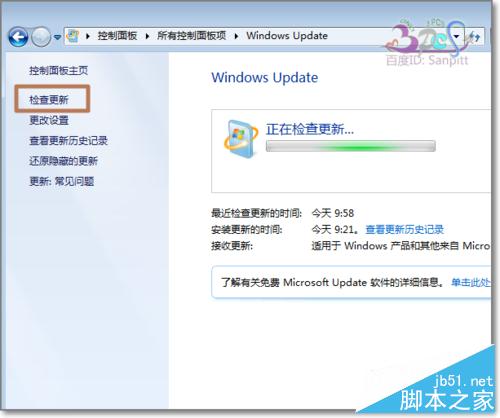
  1. Windows Update 更新至最新並安裝所有更新。
  2. 清空 C:\Windows\SoftwareDistribution\Download 資料夾 → 再執行指令。
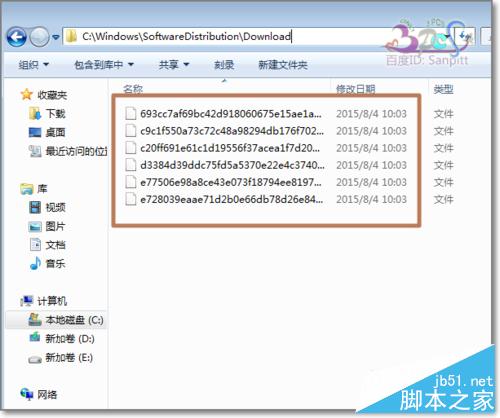
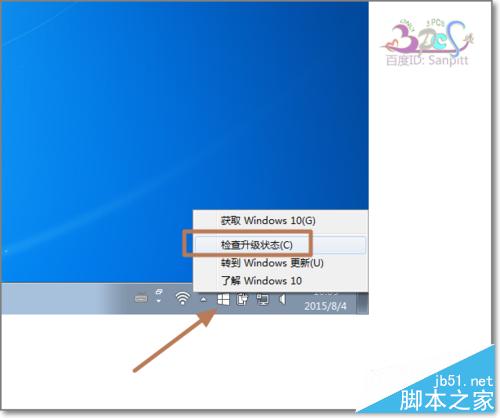
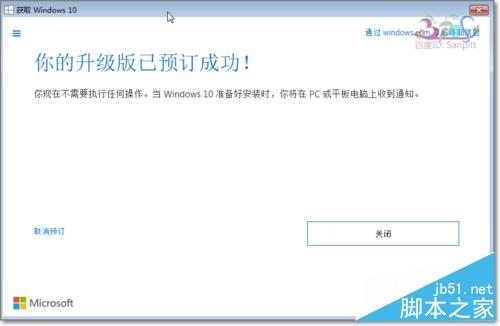
  3. 右鍵工作列 Windows 10 取得圖示 → 「檢查升級狀態」確認預約成功。
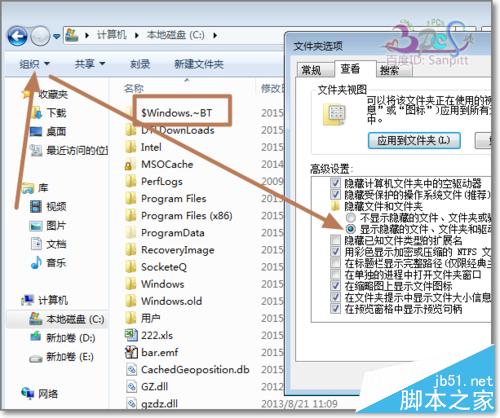
  4. 檢查 C 槽是否有 $Windows.~BT 資料夾(需顯示隱藏檔案)。
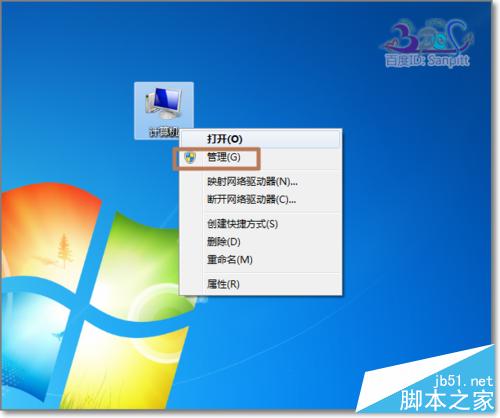
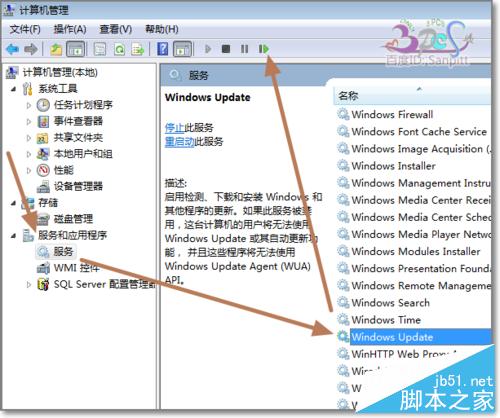
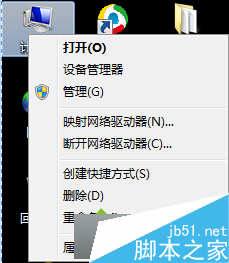
  5. 重新啟動 Windows Update 服務:右鍵「此電腦」→「管理」→ 服務中重啟 Windows Update。

終極方案:手動下載 ESD 安裝

官方伺服器分批推送導致下載緩慢,建議使用分流網站下載 Windows 10 升級 ESD 檔案:
https://www.jb51.net/os/win10/362657.html
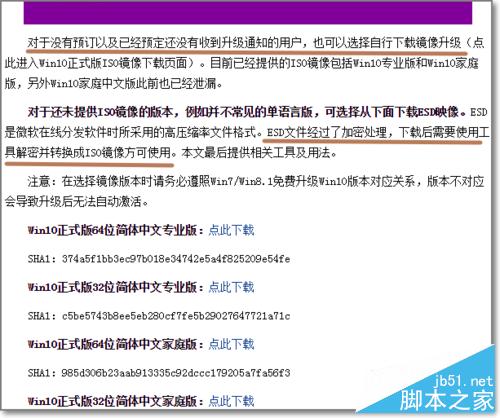
以上步驟供參考,環境差異可能影響結果。

Copyright © Windows教程網 All Rights Reserved