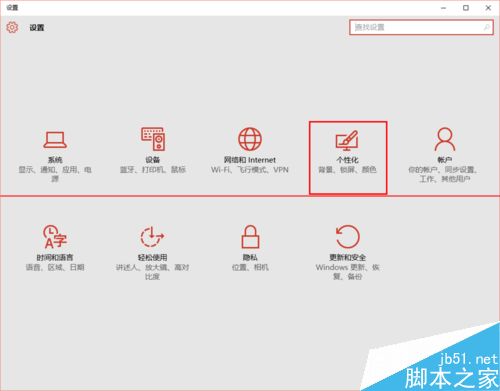
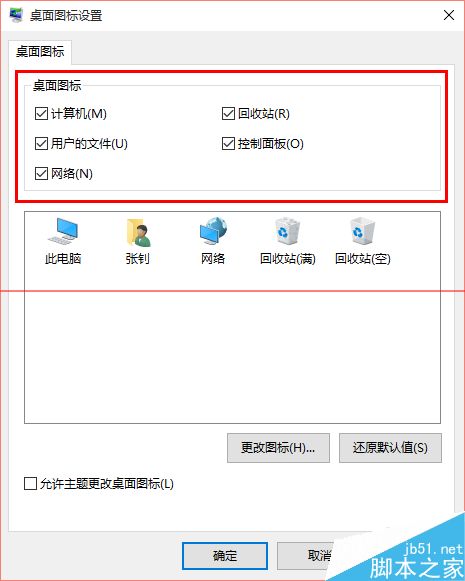
全新安裝的 Win10 桌面僅顯示「資源回收筒」,缺少「電腦」、「控制台」、「網路」等常用圖示。以下方法可快速找回。
Win10 顯示檔案副檔名兩法:檔案總管「檢視」勾選、資料夾選項取消隱藏
Win10 正式版關閉 Windows Defender 完整教學:群組原則永久停用
Build 2015 現場發布:Win10 Build 10074 官方 ISO 開放下載 (含產品金鑰)
Win7 搜尋找不到檔案?善用萬用字元「*」查找檔名中間關鍵字
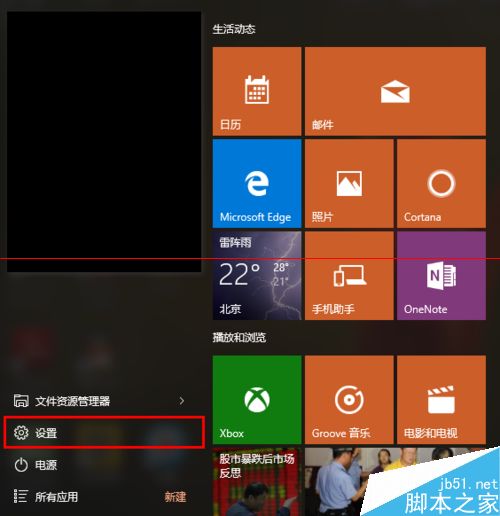
Win 10 開始選單 Metro 全螢幕模式如何切換?完整設定圖文教學
Win10 Build 10565 已知問題:非 Cortana 區域搜尋失效、Win32 遊戲觸發 Xbox 記憶體洩漏、WebM/VP9 暫移除、小尺寸裝置升級藍屏