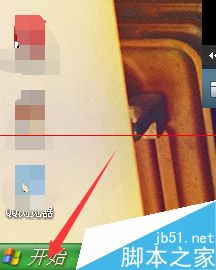
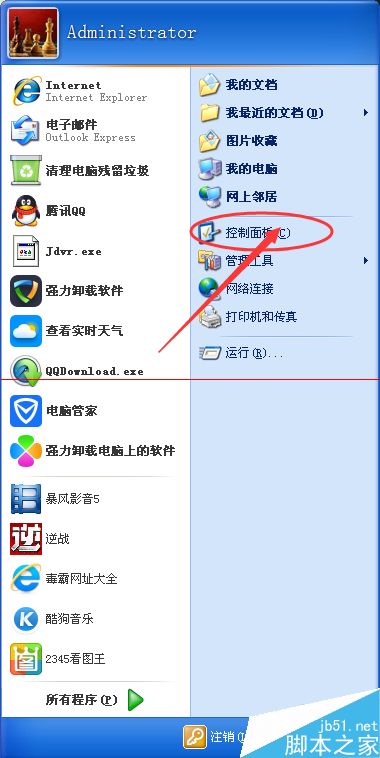
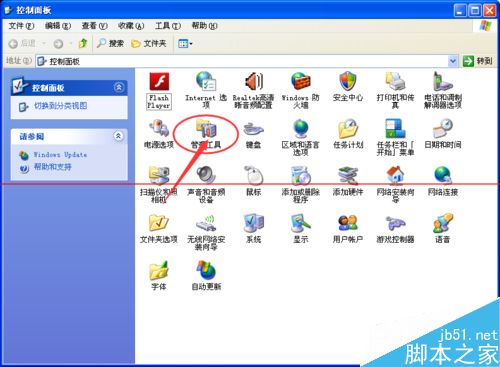
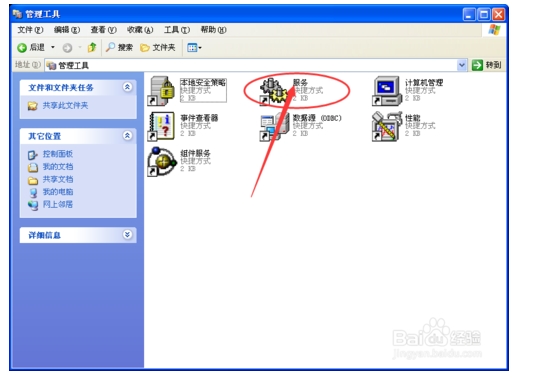
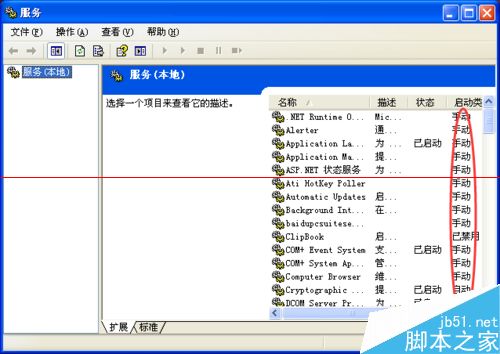
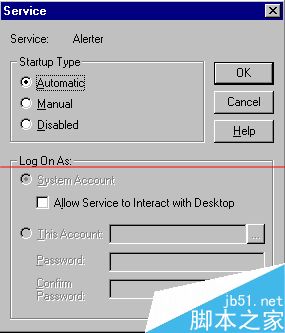
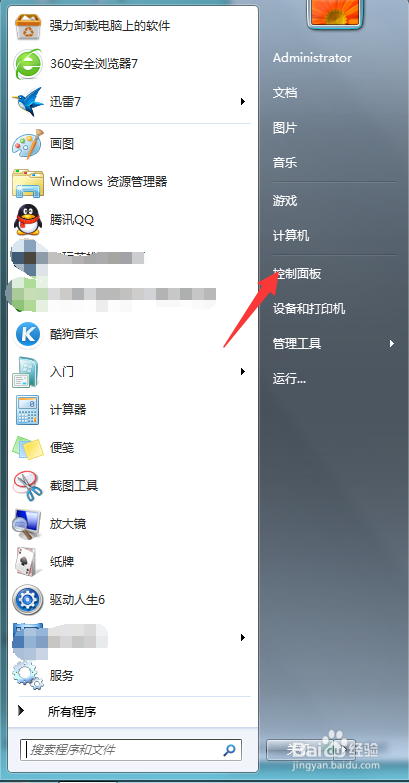
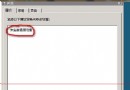
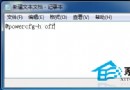
單機環境下的 Windows XP 許多服務根本用不到,卻佔用系統資源。透過「服務」管理工具依說明停用非必要服務,可顯著提升回應速度。
建議保留:Plug and Play、Remote Procedure Call (RPC)、Network Connections 等核心服務。調整前建議建立還原點,避免誤停關鍵服務導致系統異常。
Win10 關閉 SmartScreen 篩選器,解決「Windows 已保護你的電腦」頻繁彈窗干擾
Win7 彈出 Explorer.exe 應用程式錯誤 0xc0000142 三大解法:百度電腦專家修復、IE 重置、系統 DLL 批次註冊
Windows 8.1 滑鼠靈敏度與指標外觀調整教學
Win10 Mobile 10586.312 試用體驗:Edge 更新、速度稍快、波蘭語詞典問題仍在
Win7 通訊埠 80 被佔用解決方案:netstat 定位 PID + 工作管理員結束進程
XP 系統無法登入提示「本地原則不允許互動式登入」完整圖文解決教學
Windows 8 Metro 開始畫面背景顏色與圖片自訂工具使用教學
Windows 10 如何進入 TCP/IP 進階設定?圖解逐步操作路徑