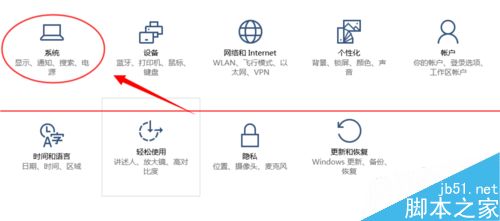
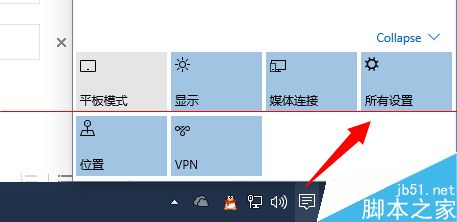
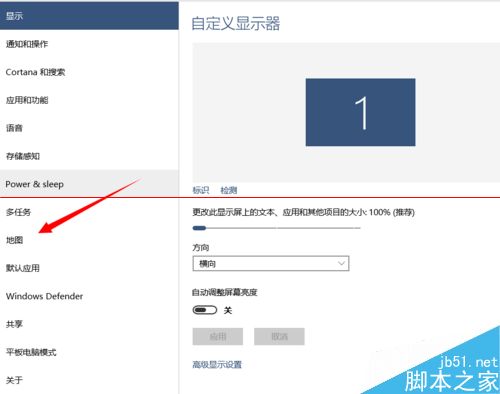
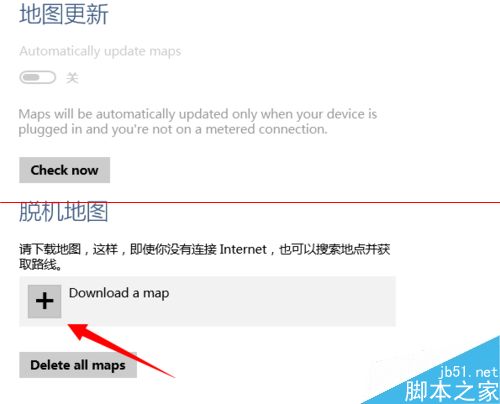
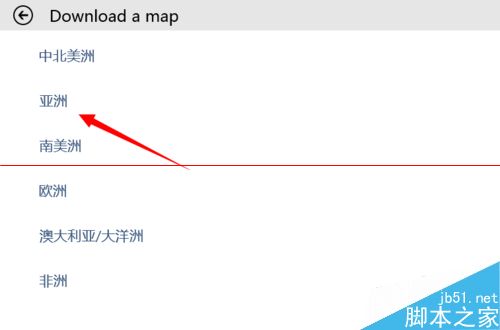
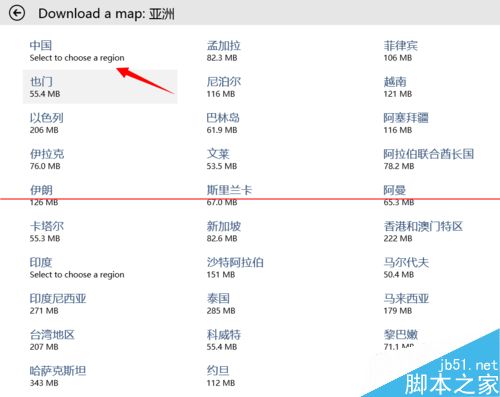
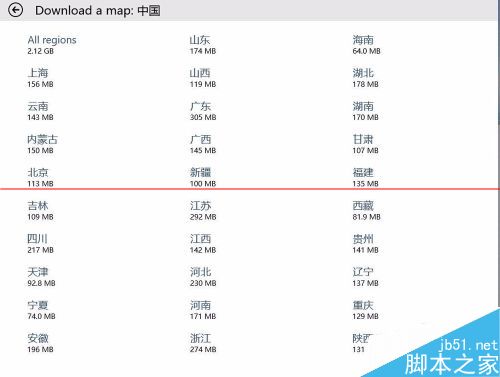
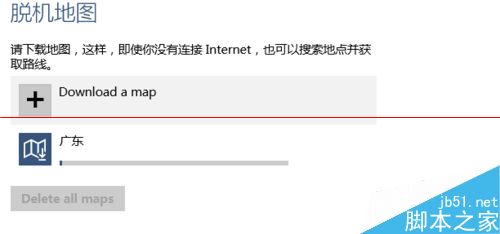
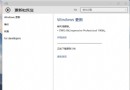
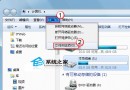
Win10 內建地圖 App 支援離線地圖包下載,適合行動裝置在無 Wi-Fi 環境下導航,省流量又快速。以下為完整下載流程。
下載完成後即可離線使用地圖導航、搜尋地點,不消耗行動數據。建議在 Wi-Fi 環境下一次下載所需區域。
Windows 10 群組原則編輯器啟動跳出「命名空間已定義」彈窗?刪除 Geolocation ADMX 檔案即可解決
Win7 連接 XP 共享印表機出現「無權限開啟添加印表機」?啟用 Print Spooler 服務解決
微软发布 Win10 SDK 开发者工具:含通用应用模板、模拟器、VS2015 集成版下载
Windows 7 修改 Hosts 檔案「權限不足」解決方案:兩種方法取得管理員權限
Windows 10 介面不習慣?用百度衛士「Win10 優化專家」一鍵還原 Win7 經典風格
Win10 10547 預覽版藍屏重啟?關閉 Windows Defender 開機掃描解決
Win10禁止TeamViewer開機自啟動的簡單設置教程
WinXP 網路印表機如何關閉右下角氣泡通知?