Windows XP Windows 7 Windows 2003 Windows Vista Windows 綜合教學 Linux 系統教學
Windows 10 Windows 8 Windows 2008 Windows NT Windows Server 電腦軟體教學
您现在的位置: Windows教程網 >> Windows教程 >  >> Windows 綜合教學 >> 關於 Windows

Win8.1 更新後 Corsair Link 風扇失控?登錄檔關閉 USB 選擇性暫停修復

編輯:關於 Windows

Win8.1 重要更新後,Corsair Link (特別是 Hydro 系列水冷) 風扇控制選項消失。解法:修改登錄檔關閉對應 USB 裝置的選擇性暫停與電源管理功能。

修復步驟

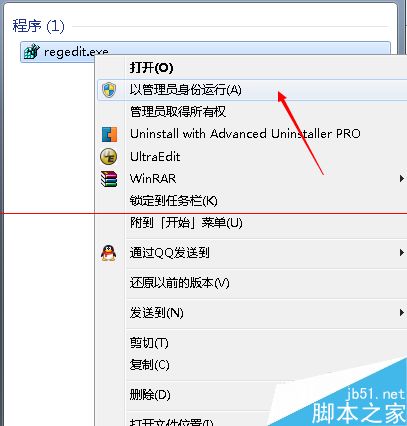
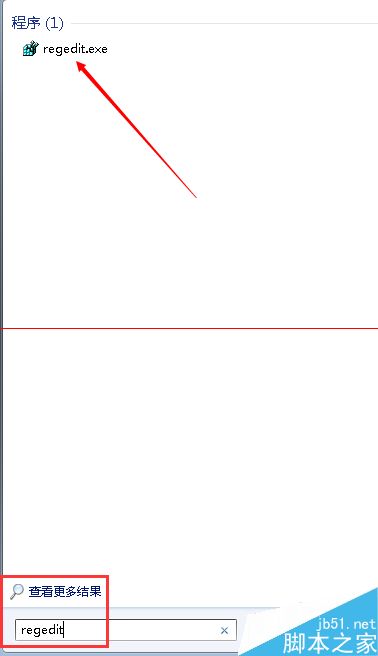
  1. Win + R → regedit → 以系統管理員身分執行。
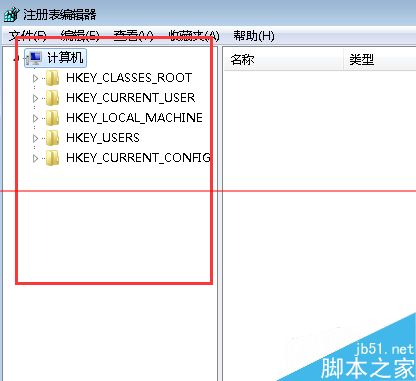
  2. 定位:HKLM\SYSTEM\CurrentControlSet\Enum\USB\VID_1B1C&PID_0C04 → Device Parameters
  3. 將下列四個 DWORD 值從 1 改為 0:
    AllowIdleIrpInD3、DeviceSelectiveSuspended、EnhancedPowerManagementEnabled、SelectiveSuspendEnabled

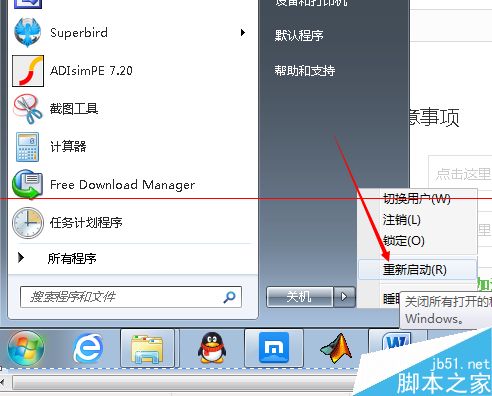
  4. 重新開機,風扇與 LED 控制選項恢復。

此問題源於 Windows 8.1 更新強化 USB 省電機制,導致 Corsair 裝置被誤判為閒置而切斷控制權。

Copyright © Windows教程網 All Rights Reserved