Windows XP Windows 7 Windows 2003 Windows Vista Windows 綜合教學 Linux 系統教學
Windows 10 Windows 8 Windows 2008 Windows NT Windows Server 電腦軟體教學
您现在的位置: Windows教程網 >> Windows教程 >  >> Windows 綜合教學 >> 關於 Windows

Windows 8.1 開啟「系統設定」(msconfig) 三種快速方法

編輯:關於 Windows

「系統設定」(msconfig) 是管理開機選項、服務、啟動項的核心工具。Windows 8.1 提供多種進入方式,以下整理三種最實用的方法:

方法一:透過檔案總管瀏覽啟動

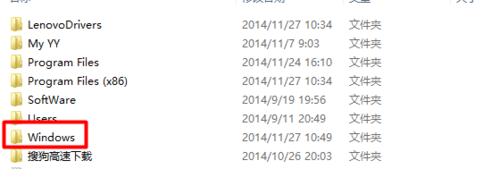
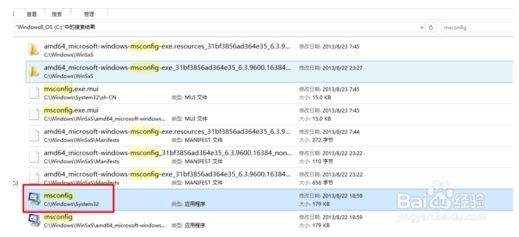
  1. 開啟「這台電腦」→ 進入 C: 槽。
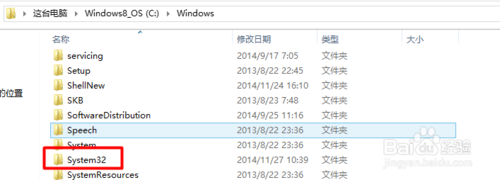
  2. 依序展開 Windows → System32 資料夾。
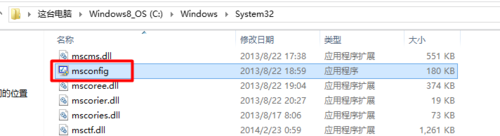
  3. 找到 msconfig.exe 雙擊執行。
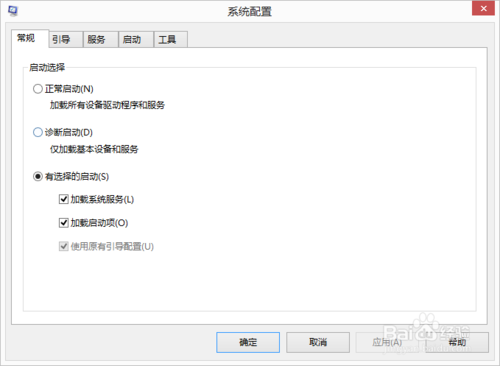
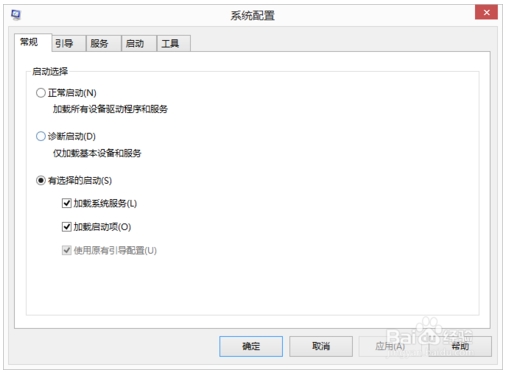
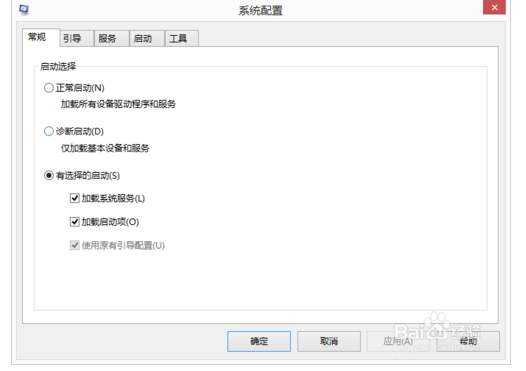
  4. 「系統設定」視窗開啟。

方法二:執行指令(最快、最推薦)

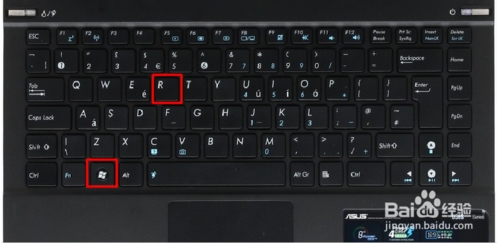
  1. 按下 Win + R 開啟「執行」視窗。
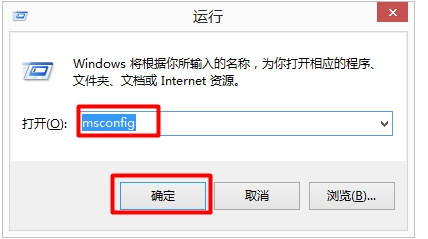
  2. 輸入 msconfig → 按 Enter 或點擊「確定」。
  3. 即可開啟系統設定視窗。

方法三:C: 槽搜尋

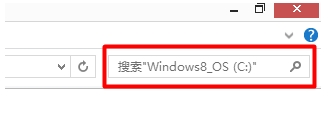
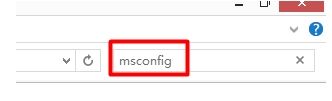
  1. 開啟 C: 槽,點擊右上角搜尋框。
  2. 輸入 msconfig 搜尋。
  3. 雙擊搜尋結果中的 msconfig.exe。
  4. 開啟系統設定視窗。

小提醒:方法二「Win+R 執行指令」最快速且不易出錯,建議熟記。系統設定中可調整開機模式(正常/診斷/選擇性)、管理服務與啟動項,操作前建議建立還原點。

Copyright © Windows教程網 All Rights Reserved