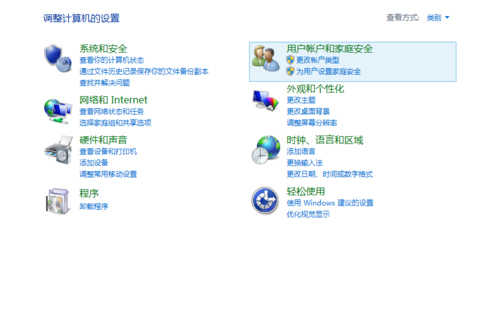
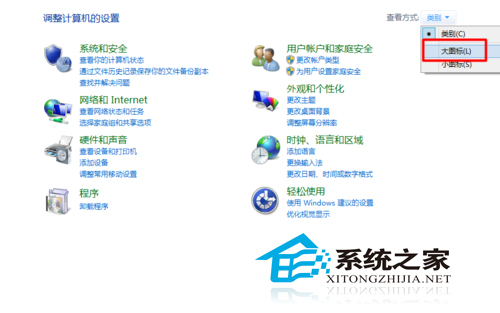
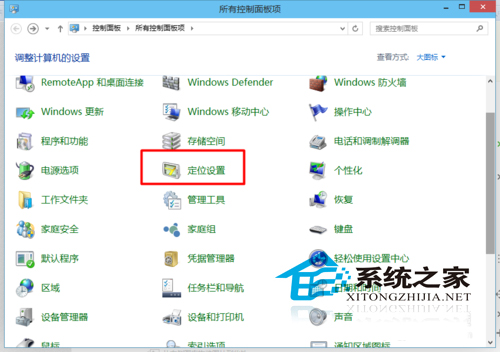
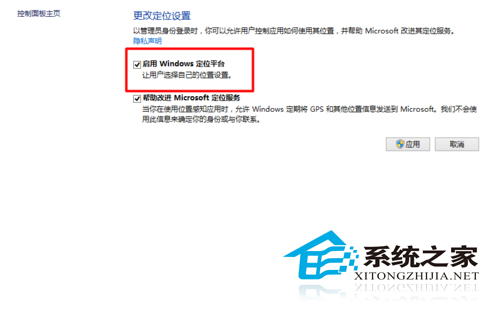
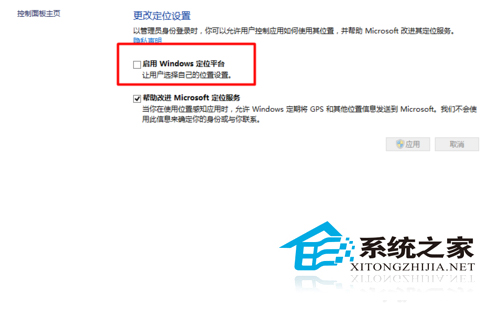
Windows 10 內建「Windows 定位平台」預設啟用,供地圖、天氣、Cortana 等應用取得位置資訊。但這也意味著位置資料可能被收集。以下為開關控制方法。
control
隱私權衡:關閉定位平台可防止應用追蹤位置,但地圖導航、尋找裝置、天氣自動定位等功能將失效。可依個人需求在「設定」→「隱私權」→「位置」中為個別應用授權,取得更精細控制。
Win10自带邮件应用如何添加网易邮箱?图文教程快速配置
升級 Win10 出現 0xC1900101-0x3000d 錯誤?卸載 NVIDIA 顯卡驅動並斷網安裝教學
Win8.1 語音聊天麥克風無聲音?設定「預設通訊裝置」秒解決
Win8 無線網路受限?故障排解完整指南
Win10 Mobile 10586.71 或為 WP8.1 升級 Win10 最佳版本,穩定性大幅提升
Windows 10 系統音效檔案儲存位置、提取方法與停用系統聲音完整教學
Win10 RedStone 14271 重要更新與已知問題完整匯總:Edge 優化、工作列修復、卡巴斯基不相容
Windows 8 通知區域時鐘顯示星期幾設定教學