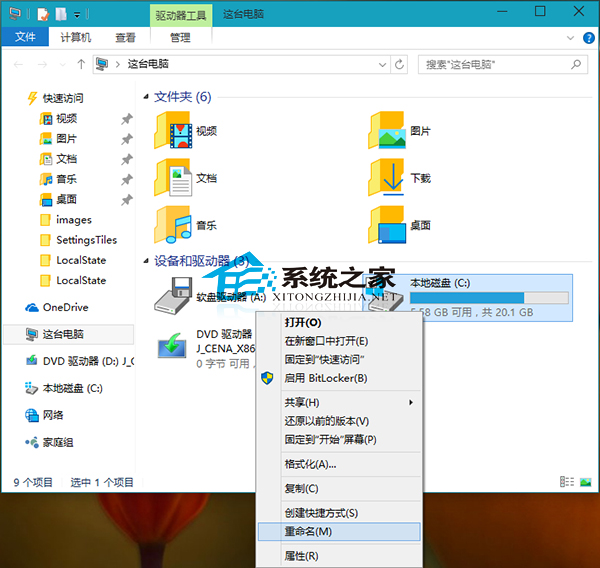
Windows 10 重新命名本機磁碟機:
若磁碟機有重要檔案不想被看見,可隱藏磁碟機降低洩露風險。
XP 鍵盤反應慢怎麼設定?控制台→印表機與其他硬體→鍵盤→調整字元重複率與游標閃爍速度
Windows 自訂程式快捷鍵啟動 圖文步驟教學
Windows 7 防火牆功能詳解與開啟設定圖文教學
Win7 筆電工作列自動隱藏不見了?一招固定回桌面底部
WinXP 正確關閉防火牆,解決網頁瀏覽頻繁彈出阻擋提示
Win7 升級 Win8 後觸控板失靈?使用驅動人生修復驅動程式教學
微軟推送 Win10 RS2 Build 14931 快速預覽版:修復已知問題、提醒舊版即將過期
Win7 旗艦版設定開機密碼提示「Windows 無法變更密碼」?取消使用者無法變更密碼限制