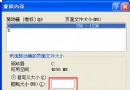
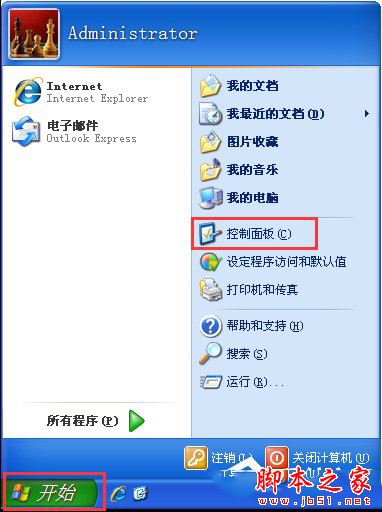
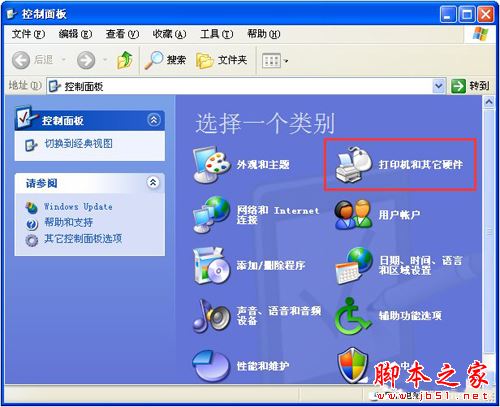
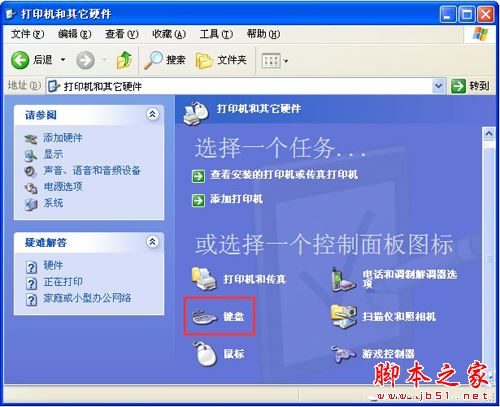
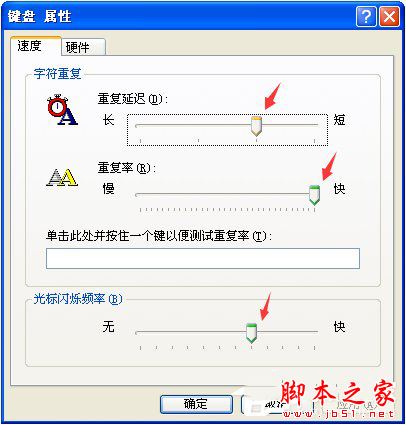
XP 打字延遲解決:開始 → 控制台 → 印表機與其他硬體 → 鍵盤 → 「鍵盤屬性」視窗 → 拉動「重複延遲」與「重複速率」滑桿、調整「游標閃爍速率」 → 確定。即時生效,打字跟手無延遲。
Win10 修改滑鼠主按鈕為右鍵:設定→裝置→滑鼠→選擇主要按鈕適應左撇子習慣
Win10 手機預覽版無法連 Wi-Fi 解決法:手動新增同名熱點後刪除重連
Windows 10 三大核心安全新功能:Device Guard、Windows Hello、Passport 深度解析
微軟詳解 Win10 Mobile 推送緩慢原因:修舊 Bug 引新 Bug,需多輪驗證確保基本功能可用
Win10 Mobile/WP8.1 專業攝影應用 OneShot 5.0.2 更新:修錯優化
Windows 7 資料夾使用中出現假死怎麼辦?啟用「在單獨程序中開啟資料夾視窗」與取消索引解決