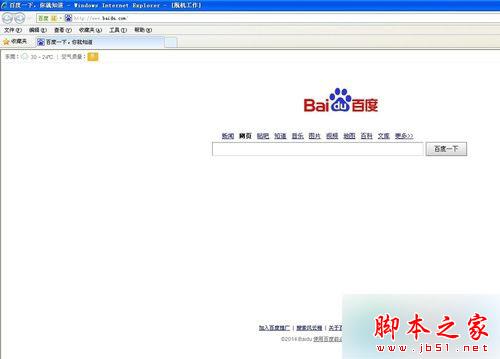
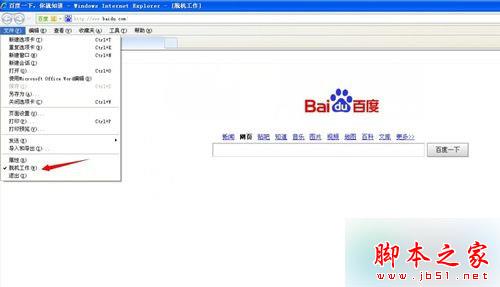
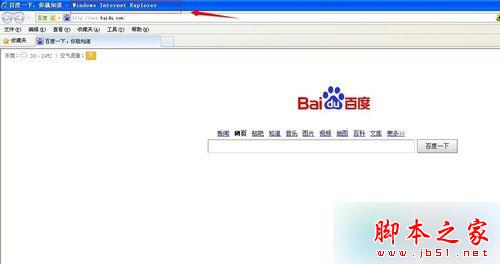
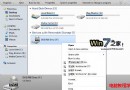
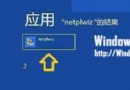
IE 進入離線模式會導致所有網頁無法開啟,恢復聯線步驟:
此功能常被誤觸或第三方工具啟用,取消勾選即可恢復正常瀏覽。
Windows 7 如何解除安裝裝置驅動程式並重新安裝?裝置管理員完整操作教學
Windows 7 使用命令提示字元快速建立/刪除環境變數
Win7 螢幕花屏死機完整排查指南:7 大原因與對應解決方案
Win8.1 更新錯誤 80246010 解決方案四則
Windows 8 硬碟安裝完整圖文教學:從 ISO 掛載到桌面全過程
Win10 淘寶搜尋歷史怎麼刪?一鍵清除隱私關鍵字圖文教程
Win8 提示「音訊裝置有問題,一或多個音訊服務未執行」?登錄編輯 Audiosrv RequiredPrivileges 保留 SeChangeNotifyPrivilege
Windows 7 關閉自動更新:避免佔用 C 槽空間與頻繁重開機