卸載多重開機工具後出現 File:\Boot\BCD 錯誤無法開機,使用大白菜 PE 修復引導:
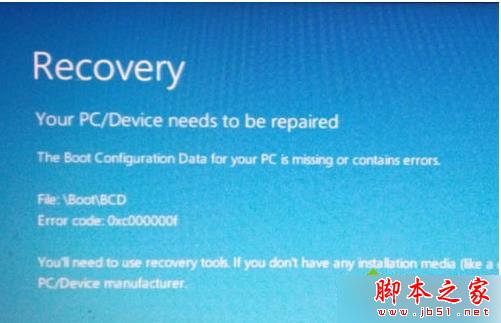
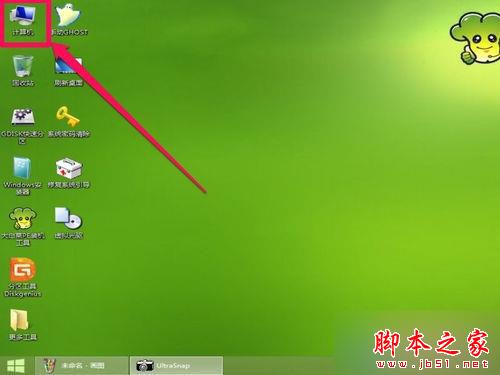
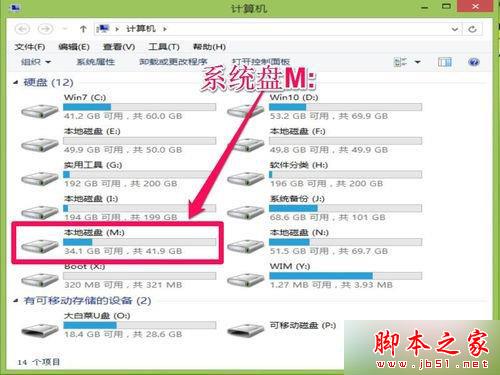
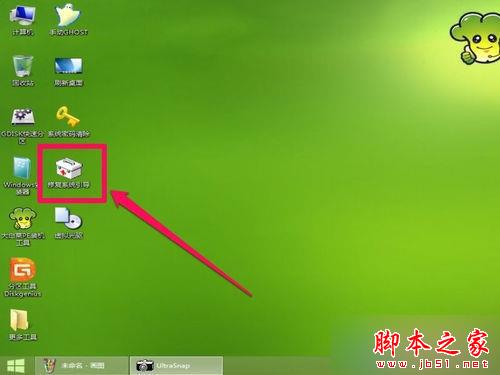
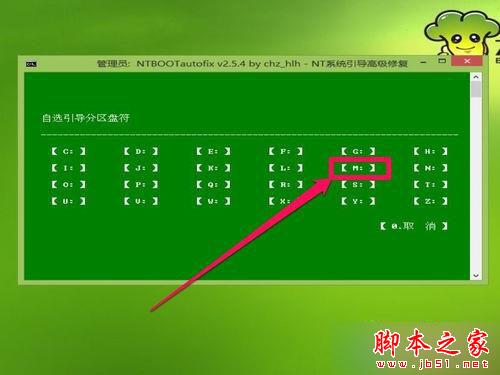
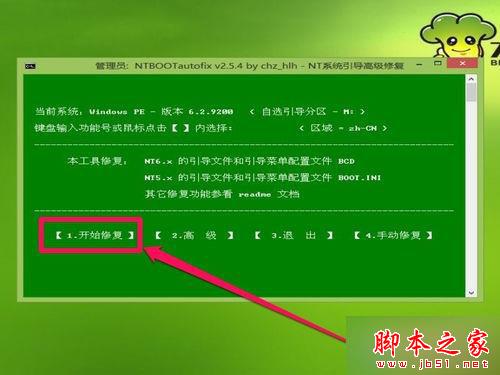
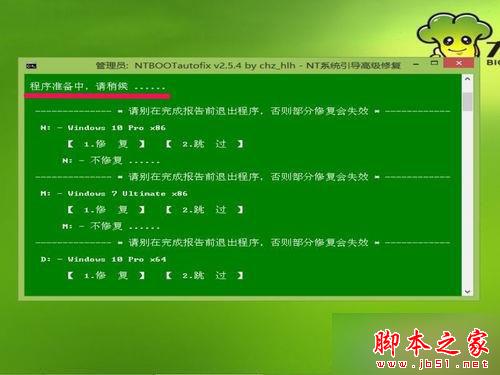
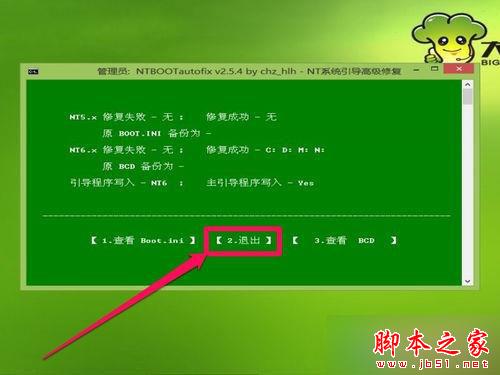
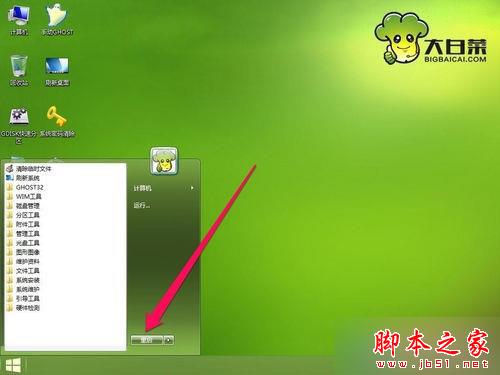
此法修復 BCD 開機配置資料,適用於引導扇區損毀、多重開機衝突導致的無法開機。
Win7 鍵盤 Alt 鍵十大實用快捷鍵:關閉程式、切換視窗、截圖、屬性一鍵搞定
Win7 C 槽 ProgramData 資料夾能刪除嗎?系統公用資料目錄,建議隱藏而非刪除
Win10 Mobile/PC 週年更新 14393.105 曝光:將作為下一波累積更新推送
64 位簡體中文 Win10 Build 10240.16425 整合鏡像下載:含前兩波累積更新
Windows 10 32 位元執行 DNF 藍屏代碼完整對照表與解決方案(含硬體排查邏輯)
Windows 10 週年更新 Edge 瀏覽器效能大幅提升:HTML5 達 100% 可及性