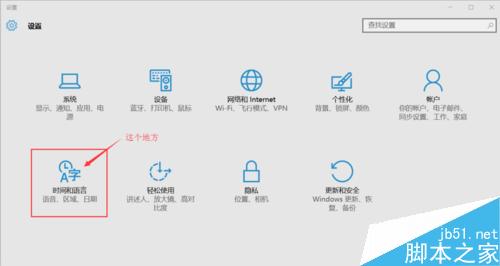
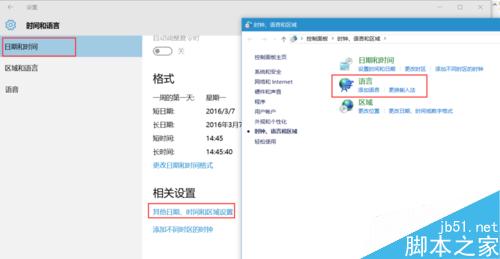
Win10 輸入法設定入口有三條路徑,皆通往相同設定頁:
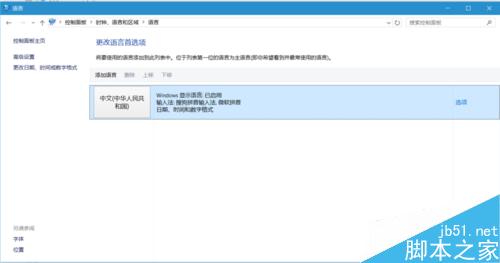
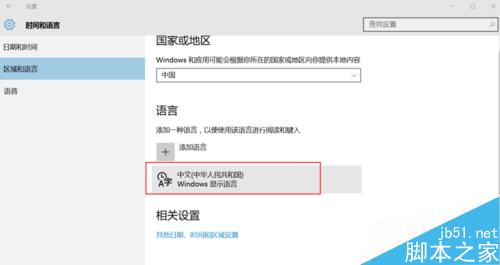
「設定」→「時間與語言」→「日期與時間」→ 底部「其他日期、時間與地區設定」→ 「語言」→ 「選項」。
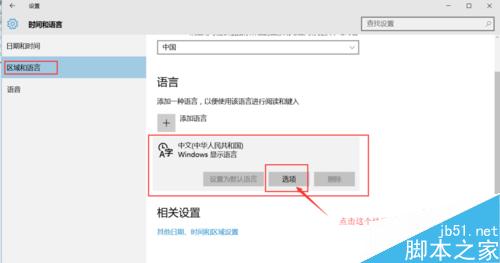
「設定」→「時間與語言」→「地區與語言」→ 語言清單點擊「選項」。
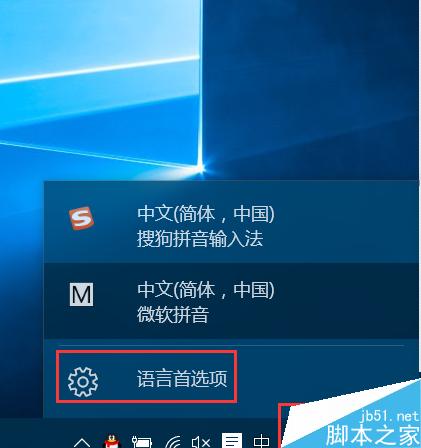
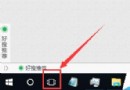
右下角輸入法圖示左鍵點擊 → 「語言喜好設定」→ 對應語言「選項」。
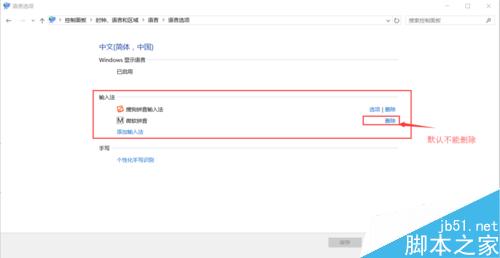
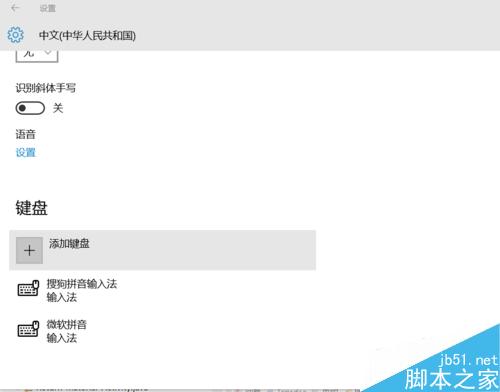
在「語言選項」中可新增/移除輸入法、設定預設輸入法、調整熱鍵等。
Windows 8.1 如何開啟/關閉無線網路與藍牙?飛行模式與獨立開關完整操作指南
收不到 Win10 升級推送?修改時區欺騙伺服器立即觸發下載
Windows 10 正式版升級作業已全面啟動:一鍵平滑升級
善用 Windows 10「檔案歷程記錄」還原誤刪檔案完整教學
Win10 10525 無法啟動官方解決方案:必須在已啟動 10240 的裝置上安裝
安裝 Win10 9879 卡在 18% 進度?斷網大法秒解
Win7 32 位旗艦版:建立批次檔 (.bat) 一鍵解除鎖定登錄編輯器
Win7 IE9 看影片有聲無畫面?關閉 GPU 硬體加速即可修復